9 Best Online Appointment Scheduling Software for Small Businesses (2026)
 Shifat Jaman
72 minutes read
Shifat Jaman
72 minutes read 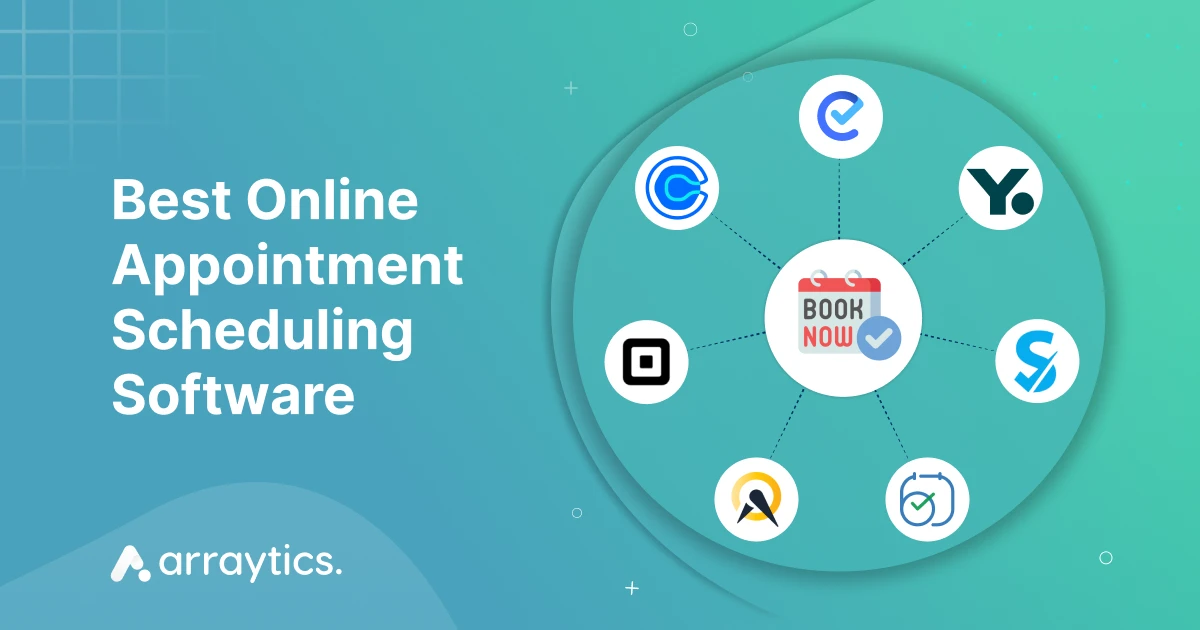
If you run a service-based business, taking appointments is part of your daily work. Whether you’re a salon owner, consultant, fitness coach, or run a clinic, you need a reliable way for clients to book time with you. That’s where the online appointment scheduling software can help.
However, not all appointment booking systems are the same. Some tools focus on simple meeting scheduling for solo professionals. Others are full-featured appointment booking systems for growing teams.
In this guide, we compare 9 online appointment scheduling tools for small businesses by free plan, pricing, key features, and the type of business each one fits best.
Disclosure: Timetics.ai is built by our team. We reviewed every tool, including our own, against the same criteria, and we list its limitations alongside the others.
Best online scheduling software: Comparison at a glance
| Tool | Free and Paid Options | Reviews | Best fit / why consider it |
|---|---|---|---|
| Timetics.ai | Free plan; paid plans shown at $12/month and $19/month. | G2: 4.6/5 from 7 reviews; AppSumo: 4.6/5 from 8 reviews. Reviewers praise setup and booking features; the small G2 sample includes requests for more customization and integrations. | Service businesses that want appointment booking, payments, team scheduling, and a booking page together. |
| Calendly | Free plan; paid plans start at $10/seat/month (Standard) and $16/seat/month (Teams), with annual billing. | G2: 4.7/5 from 2,675 reviews; Capterra: 4.7/5 from 4,165 reviews. Reviewers praise ease of use and calendar connections; some say advanced customization requires a paid plan. | Consultants, sales teams, and professionals who mainly need clients or colleagues to book meeting times. |
| Acuity Scheduling | No free plan; 7-day trial. Starter starts at $16/month with annual billing or $20/month billed monthly. | Capterra: 4.8/5 from 5,771 reviews; G2: 4.6/5 from 411 reviews. Reviewers praise streamlined scheduling and setup; some report limited mobile-app functionality. | Service businesses that take bookings for sessions, classes, or packages and want payments or intake forms in the booking flow. |
| Square Appointments | U.S. pricing: Free; Plus $49/location/month; Premium $149/location/month. | Capterra: 4.5/5 from 263 reviews. Reviewers praise ease of use and online booking; one reviewer found changing menus frustrating. | U.S. service businesses already using Square that want booking, staff calendars, and payments connected. |
| Setmore | Free plan; Pro starts at $5/user/month with annual billing or $12/user/month billed monthly. | Capterra: 4.6/5 from 960 reviews; G2: 4.5/5 from 270 reviews. Users praise ease and value; some report calendar-sync or technical issues. | Freelancers and small teams looking for a low-cost booking page, with paid upgrades for features such as SMS reminders and two-way calendar sync. |
| SimplyBook.me | Free plan; Basic starts at $11.90/month with annual billing or $13.90/month billed monthly. | Capterra: 4.6/5 from 1,293 reviews; G2: 4.4/5 from 113 reviews. Reviewers praise customization and booking; some mention an initial learning curve. | Service businesses that need a booking website or widget, multiple providers, and configurable booking options. |
| Zoho Bookings | Free plan for one user; Basic starts at $6/user/month annually or $8/user/month monthly (standard USD pricing). Regional prices may vary. | Capterra: 4.4/5 from 47 reviews; G2: 4.1/5 from 54 reviews. Reviewers like its Zoho integrations and ease of use; some want more customization and report calendar or integration issues. | Solo providers and small teams already using Zoho apps, especially those who need calendar sync and appointment reminders. |
| Cal.com | Free individual plan; Teams starts at $12/user/month and Organizations at $28/user/month, with yearly billing. | G2: 4.6/5 from 153 reviews. Reviewers value flexibility and integrations; some find setup and settings complex. | Individuals and teams that want flexible scheduling rules, integrations, or team booking options such as round-robin. |
| YouCanBookMe | Free plan; paid plans start at $9/month for Individual, $13/month for Professional, and $18/member/month for Team. Annual and two-year discounts are available. | Capterra: 4.6/5 from 353 reviews; G2: 4.7/5 from 1,933 reviews. Reviewers value self-service booking and customizable pages; some mention a learning curve for advanced features. | Solo providers and small teams that want a branded booking page, calendar sync, and automated client messages. |
What to look for in an online booking software
Choosing the right online appointment scheduling software depends on how your business runs. Some tools focus on simplicity, while others give you advanced features like payment collection or team scheduling. Before you decide, here are the key features you should look for.
- Simple setup and booking experience: The system should be simple to set up without needing technical skills. You should be able to create a booking page, set your availability, and start taking appointments in minutes.
- Calendar sync: Look for tools that sync with your Google Calendar, Outlook, or Apple Calendar. This keeps your schedule in one place and avoids double bookings. Most modern appointment booking systems include this, but the quality of sync still varies.
- Customizable booking pages: Many online booking tools let you customize your booking form. This allows you to collect the information you need and match the design to your brand.
- Email and SMS notification: Reminders help reduce no-shows. A good system should send automatic email or text reminders before the appointment.
- Team scheduling: If you have multiple staff members, pick a tool that supports team or staff booking. This allows each team member to have their own calendar and availability.
- Payment options: If you want to charge clients when they book, choose an appointment booking software that supports online payments. Some tools offer built-in options or connect with services like Stripe, PayPal, or Square.
- Free plan or trial: If you’re just starting, you might want a free online booking system or a free trial to test features before committing.
How we tested these appointment booking software
To keep this listing fair and practical, we tested each online appointment scheduling system using the same criteria. The focus was on real small business use, not marketing claims.
We evaluated every tool based on the following points:
- Hands-on setup: We created accounts and set up booking pages on each platform. We tested how long it took to get started, how easy the setup process was, and whether any technical skills were needed.
- Feature testing: We checked key features like calendar sync, payment options, reminders, and booking form customization. We also looked at whether the system supports team scheduling or recurring appointments.
- User experience: We used the booking pages from a client’s point of view. This helped us understand how easy the system is for customers to use, from choosing a time slot to receiving a confirmation.
- Pricing and value: We compared prices and free plans to see which systems offer the best value. We also considered how fair the pricing is based on the features included.
- Independent reviews: We checked each tool’s ratings and recurring complaints on G2, Capterra, and Trustpilot to balance our own testing with long-term user feedback.
- Verified pricing: We confirmed every price and free plan limit on the vendor’s official pricing page.
Top online appointment scheduling software to consider in 2026
Below are the online appointment scheduling systems that stand out. Each one is suited for specific business needs, from simple bookings to full service-based scheduling.
1. Timetics.ai: Manage service bookings, payments, and teams in one place
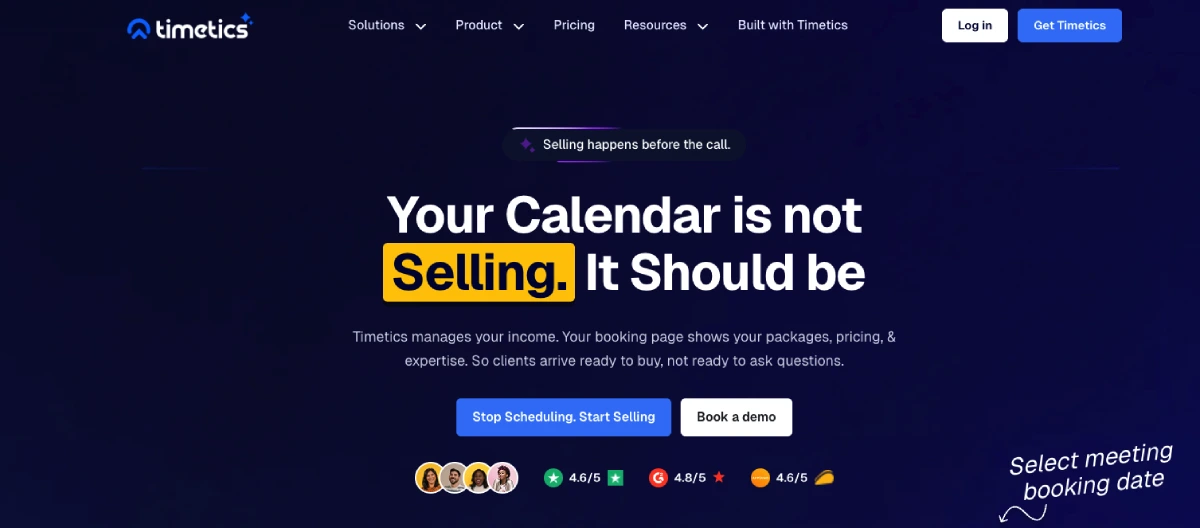
For small service businesses comparing the best appointment scheduling software tools, Timetics.ai is an AI-powered online booking system for managing appointments, calendars, payments, and team availability. Its AI scheduling agent can create or update calendars, set availability, and block dates from plain-language instructions. The free Start plan includes up to three users, so small teams can try it as a free online appointment scheduling system.
What you get from Timetics.ai
- Booking pages for appointments and consultations, with a no-code booking website builder on paid plans. Clients can use a shareable Timetics URL without a separate website or hosting setup.
- Personal and service scheduling, recurring bookings, availability rules, buffer time, and time-zone detection.
- Calendar connections, booking reminders, and customer management.
- Online payments, service categories, group bookings, and add-ons; some options depend on the plan.
- Team roles, workspaces, multiple locations, reports, and business-tool integrations.
What problems does it solve?
- Reduces the messages needed to find an available time.
- Keeps client bookings and team availability together.
- Lets clients book and pay through a booking page.
- Helps manage schedules across services and locations.
What users say about it
G2 shows 4.6/5 from 7 reviews. Reviewers mention quick setup, a clean interface, helpful support, and having bookings, payments, and team management together. Some say customization and integrations could be improved, and that a few settings take time to learn. The review count is small, so it is an early indication rather than a broad consensus.
Pros and cons
Pros
- Combines appointment booking, payments, and team scheduling.
- The free plan includes an AI scheduling agent and supports up to three users.
- The paid booking website builder can publish a standalone booking page.
Cons
- Some reviewers want more customization and integrations.
- The booking website builder is on paid plans; custom-domain support is listed for Scale.
Pricing
The official pricing page lists Start at $0, Earn at $12/month, and Scale at $19/month. It has monthly and yearly billing options, so check the billing selector for the amount and cadence that apply.
When to use it
Use Timetics.ai when your business needs service bookings alongside payments, team schedules, multiple locations, or a standalone booking website. It can suit consultants, coaches, salons, clinics, and small service teams.
2. Calendly: Stop the back-and-forth of booking meetings
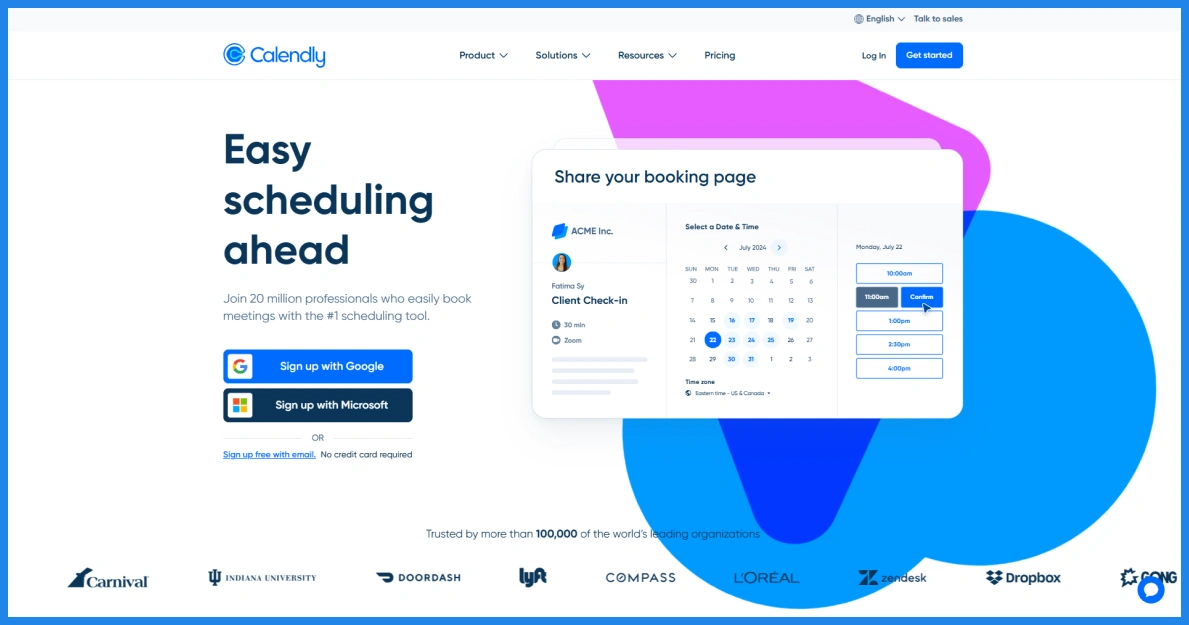
Calendly is online scheduling software for people and teams who want to share their availability and let clients book meetings themselves. It is designed to reduce the back-and-forth of arranging consultations, sales calls, interviews, and other meetings.
What you get from Calendly
- Shareable booking links and a customizable booking page.
- Calendar connections and availability settings.
- Meeting reminders and automations on paid plans.
- Payment connections with Stripe and PayPal on Standard and higher plans.
- Team scheduling and lead routing on the Teams plan.
What problems does it solve?
- Cuts down on messages exchanged to find a meeting time.
- Helps prevent scheduling conflicts by connecting calendars.
- Sends meeting details and reminders automatically.
- Routes bookings to a team member when team scheduling is set up.
What users say about it
Calendly has 4.7/5 from 2,675 reviews on G2 and 4.7/5 from 4,165 reviews on Capterra. Reviewers commonly praise its ease of use and calendar connections. Some say advanced features and customization require a paid plan; reviewers also mention that routing and availability settings can take extra setup.
Pros and cons
Pros
- Booking links make it easier for clients to choose a meeting time.
- Calendar connections and reminders help simplify coordination.
- Team scheduling and lead routing are available on higher plans.
Cons
- The free plan is limited to one event type and one calendar connection.
- Advanced features and customization require a paid plan.
- Businesses that need service catalogs or staff-based appointment management may prefer a more service-focused booking system.
Pricing
Calendly has a free plan. With annual billing, the official pricing page lists Standard at $10 per seat/month and Teams at $16 per seat/month.
When to use it
Choose Calendly when your main need is scheduling consultations, sales calls, interviews, or team meetings. Consider a service-focused appointment booking system if you need to manage service menus, staff, and client bookings in more detail.
3. Acuity Scheduling: Take service bookings and payments in one flow
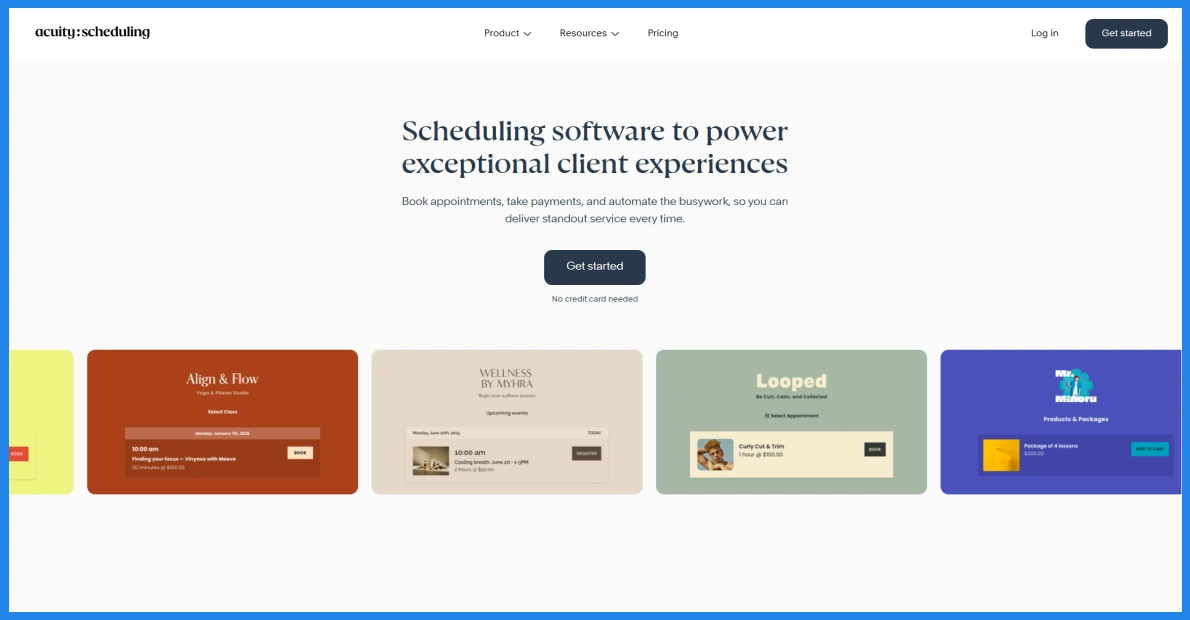
Acuity Scheduling is appointment booking software for service businesses that offer sessions, classes, packages, or recurring appointments. Clients can choose a time, complete an intake form, and pay during booking. It can suit owners comparing appointment scheduling software for small businesses that need more than a basic meeting link.
What you get from Acuity Scheduling
- A client-facing booking page and appointment calendar.
- Custom intake forms, email reminders, and time-zone conversion.
- Payment connections with Stripe, Square, PayPal, and Venmo.
- Text reminders, waitlists, packages, memberships, and gift certificates on Standard and Premium plans.
- Up to 36 calendars and an AI Booking Assistant on Premium.
What problems does it solve?
- Collects client details before an appointment.
- Lets clients book and pay as part of one process.
- Helps businesses manage sessions, classes, and recurring services.
- Gives clients a way to join a waitlist when a time is fully booked.
What users say about it
Capterra reviewers rate Acuity 4.8/5 from 5,771 reviews; G2 lists 4.6/5 from 411 reviews. Reviewers praise its appointment management, ease of use, and customization. Some G2 reviewers say the interface can take time to learn.
Pros and cons
Pros
- Booking, intake forms, reminders, and payments work together.
- Supports packages, memberships, and gift certificates on eligible plans.
- Higher plans support more staff or location calendars.
Cons
- There is no free plan; the trial lasts seven days.
- Waitlists and packages require Standard or Premium; the AI Booking Assistant is on Premium.
- Some reviewers report a learning curve with the interface.
Pricing
Acuity has no free plan and offers a 7-day free trial. The official pricing page lists annual prices of $16/month for Starter, $27/month for Standard, and $55/month for Premium. Monthly billing is $20, $34, and $69/month, respectively. Prices are in USD and exclude applicable taxes.
When to use it
Use Acuity when clients need to book a structured service and complete an intake form or payment as part of the same process. It can fit coaches, consultants, salons, and fitness businesses offering sessions, classes, or packages.
4. Square Appointments: Connect online booking with staff schedules and Square payments
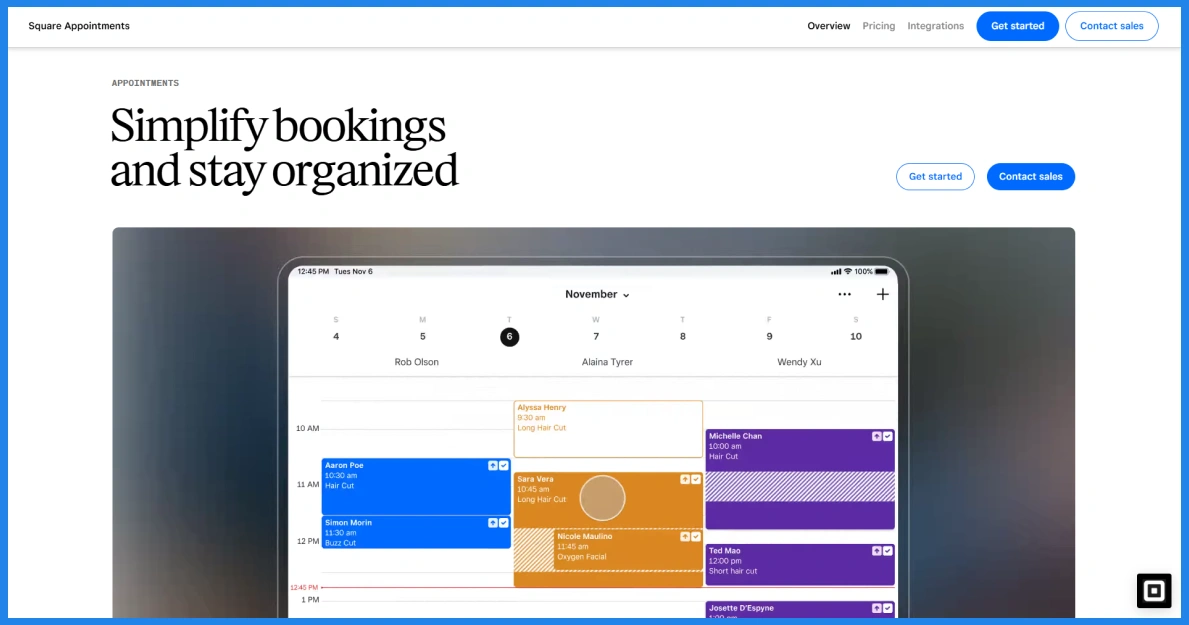
Square Appointments is an appointment booking system for service businesses that want clients to book online and manage appointments alongside Square payments. It brings staff availability, services, and bookings into one calendar, with a free booking site for clients.
What you get from Square Appointments
- A booking website, plus a booking button or widget for an existing website.
- Staff calendars, custom availability, and Google Calendar sync.
- Online payments, deposits, prepayments, and no-show fees, depending on the plan.
- Email and text confirmations and reminders; clients can respond to some reminders to confirm, cancel, or change a booking.
- Class bookings, packages, waitlists, and multi-location management on eligible plans.
What problems does it solve?
- Reduces the back-and-forth involved in finding an appointment time.
- Keeps staff schedules and client bookings together.
- Lets businesses collect payments or deposits during booking.
- Gives clients a way to book and manage appointments online.
What users say about it
Capterra rates Square Appointments 4.5/5 from 263 reviews. Reviewers mention easy implementation and convenient online booking. One reviewer said that changing menus made it frustrating to find back-end settings. These are individual experiences, not a guarantee of the same experience for every business.
Pros and cons
Pros
- Booking, staff calendars, and Square payments can work together.
- Clients can book online and receive appointment reminders.
- Deposits and no-show controls are available on eligible plans.
Cons
- Some scheduling and management features depend on the plan.
- One Capterra reviewer reported difficulty finding settings after menu changes.
Pricing
The official U.S. pricing page lists Free at $0, Plus at $49 per location/month, and Premium at $149 per location/month. Payment processing fees may also apply; check the page for current terms and plan details.
When to use it
Choose Square Appointments if your salon, clinic, or other service business already uses Square for payments and wants booking connected to staff schedules. It can also suit businesses that need deposits, reminders, or class bookings alongside their appointment calendar.
5. Setmore: Give clients a free way to book appointments online
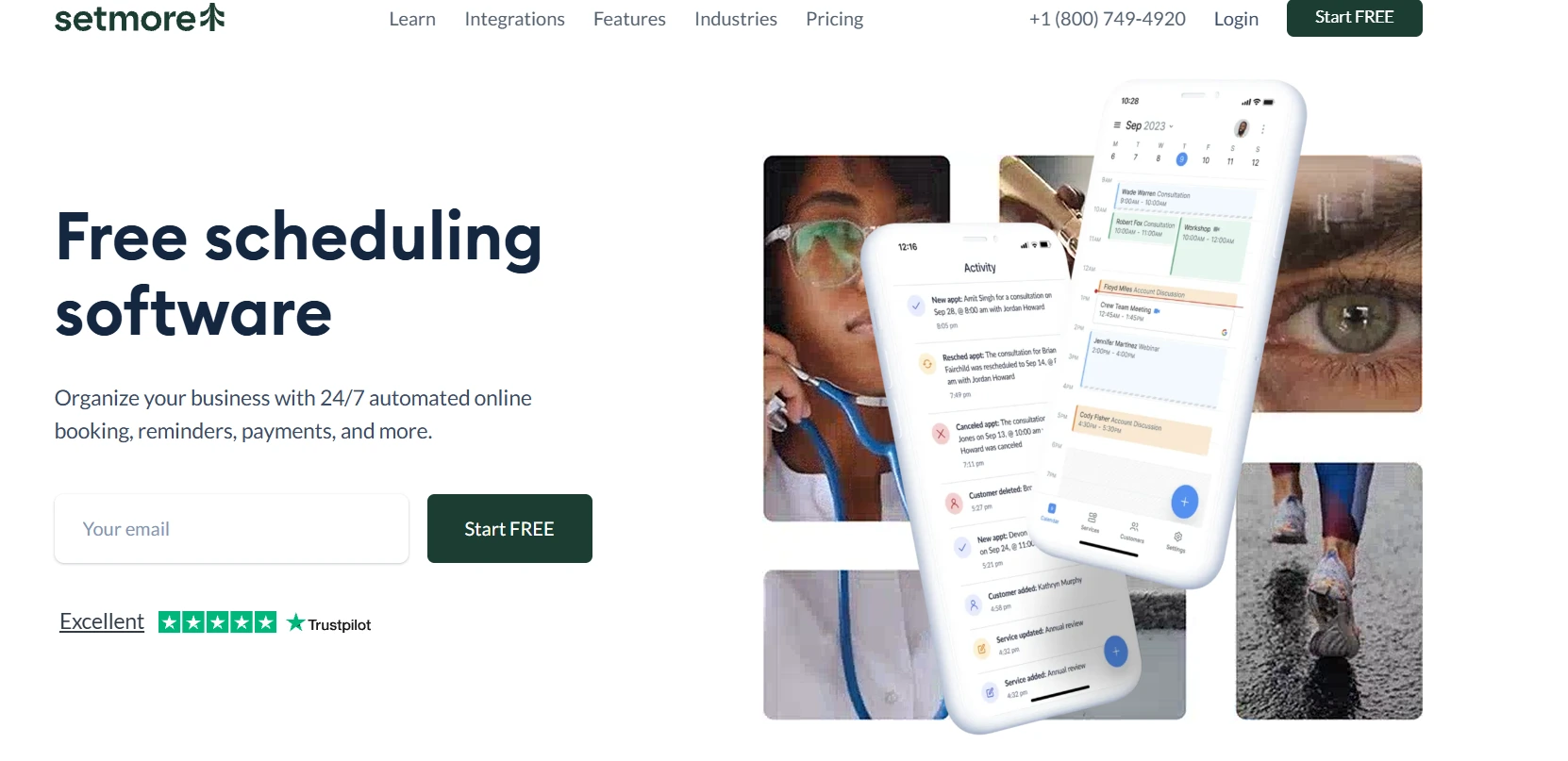
Setmore is online scheduling software for small businesses that want clients to book services through a shareable booking page. Its free plan supports up to four users and unlimited appointments, making it an option for teams looking for a free online appointment scheduling system.
What you get from Setmore
- A branded booking page with a custom URL and a website booking button.
- Individual staff calendars, team scheduling, and group classes.
- Email confirmations and reminders, with SMS reminders on Pro.
- Online and in-person payment options.
- Mobile and desktop apps; two-way calendar sync and recurring appointments are on Pro.
What problems does it solve?
- Lets clients book without calling or emailing the business.
- Helps small teams manage individual calendars and working hours.
- Sends booking confirmations and reminders to clients.
- Supports recurring appointments and classes for businesses with repeat bookings.
What users say about it
Capterra rates Setmore 4.6/5 from 960 reviews. Reviewers praise its simple interface, scheduling features, and value, including the free plan. Some report occasional glitches or limitations with email notifications and calendar syncing.
Pros and cons
Pros
- The free plan supports up to four users and unlimited appointments.
- Clients can book through a branded page or website button.
- The free plan includes email reminders, apps, and payment options.
Cons
- Two-way calendar sync, recurring appointments, and SMS reminders require Pro.
- Some reviewers report glitches or issues with calendar syncing and email notifications.
Pricing
Setmore’s official pricing page lists Free at $0/month for up to four users. Pro is $5 per user/month with annual billing; the company’s pricing information lists monthly billing at $12 per user/month. Check the page for current plan terms.
When to use it
Use Setmore if you need a straightforward appointment booking system for a small team, especially if you want to start with a free plan. It can work for salons, tutors, coaches, and other businesses offering one-to-one services or group classes.
6. SimplyBook.me: Build a booking system around your services and providers
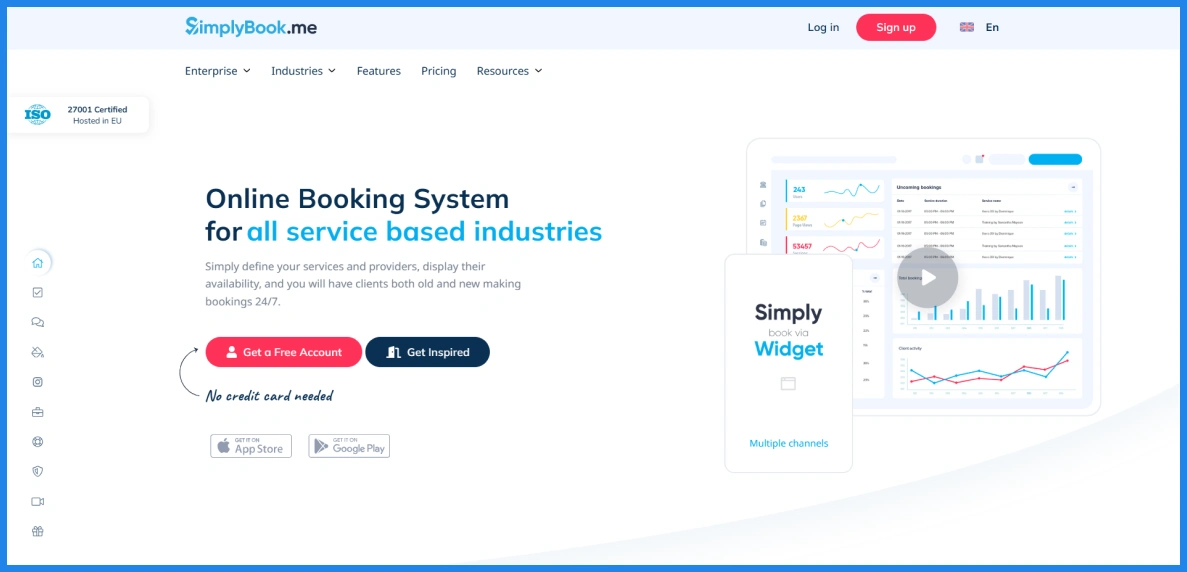
SimplyBook.me is an online booking system for businesses that need a client-facing booking page and ways to manage services, providers, and appointments. Among the best online booking systems for small businesses, it stands out for its many configurable features, though plans limit monthly bookings, providers, and premium features.
What you get from SimplyBook.me
- A booking website or widget that clients can use to schedule appointments.
- Service and provider schedules, appointment lengths, buffer times, and recurring bookings.
- Email notifications and reminders; SMS options may require credits or a plan feature.
- Payments and deposits on paid plans.
- Custom features for areas such as client forms, memberships, gift cards, and business integrations; availability depends on the plan.
What problems does it solve?
- Lets clients book services online without contacting the business first.
- Helps businesses manage provider schedules, service durations, and booking limits.
- Sends confirmations and reminders to help reduce missed appointments.
- Offers a way to tailor the booking setup to different services and business needs.
What users say about it
SimplyBook.me has 4.6/5 from 1,293 reviews on Capterra and 4.4/5 from 113 reviews on G2. Reviewers praise its customization options, support, and ability to reduce scheduling back-and-forth. Some say the initial setup takes time, and one G2 reviewer wanted more flexibility in the booking website design.
Pros and cons
Pros
- Includes a booking website and widget.
- Offers a broad set of options for services and providers.
- Reviewers praise its support and booking customization.
Cons
- The free plan is limited to 50 bookings per month, one provider, and one premium custom feature.
- Paid plans also cap bookings and premium custom features, depending on tier.
- Some reviewers find setup complex or want more booking-page design control.
Pricing
The official pricing page lists Free at $0/month for up to 50 bookings, one provider, and one premium custom feature. Paid plans start at $11.90/month with annual billing or $13.90/month with monthly billing for Basic, which includes up to 100 bookings and five providers. Standard and Premium cost $24.90 and $49.90/month with annual billing, or $29.90 and $59.90/month with monthly billing.
When to use it
Choose SimplyBook.me if you need an online booking page for multiple services or providers and want to customize how bookings work. Check the plan limits first if you expect high booking volumes or need several premium features.
7. Zoho Bookings: Coordinate client appointments with your team and Zoho apps
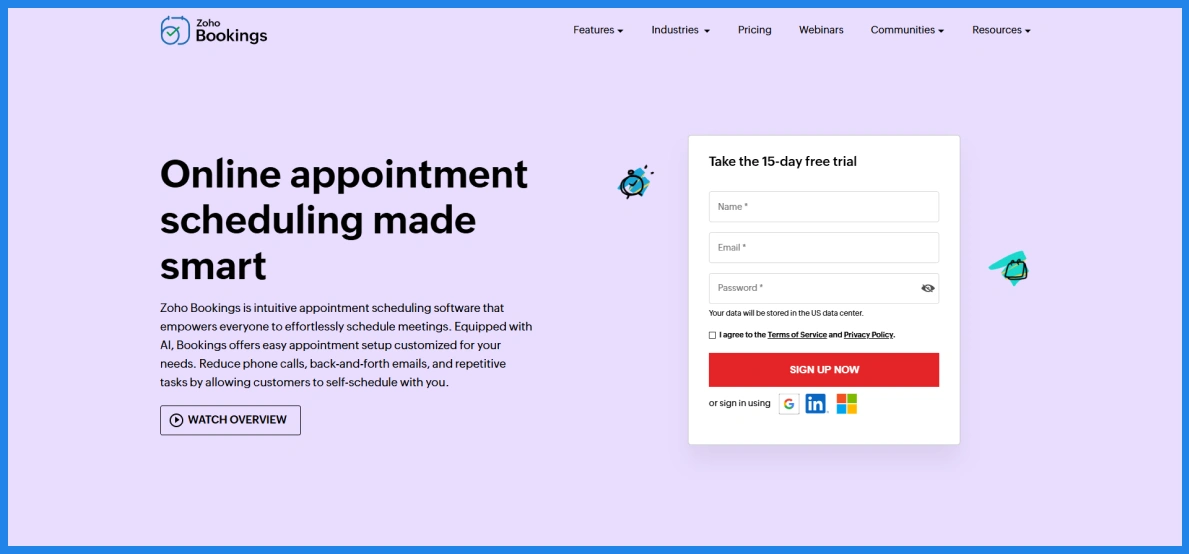
Zoho Bookings is appointment scheduling software for businesses that want clients to book meetings or services online. It supports solo schedules, team bookings, and connections with calendars, payment providers, and other Zoho apps.
What you get from Zoho Bookings
- Customizable booking pages, email notifications, and reminders.
- Calendar connections and automatic time-zone conversion.
- One-to-one, group, collective, and recurring bookings.
- Team schedules, round-robin appointment distribution, and workspaces.
- Payment connections, booking reports, and Zoho CRM integration; some features depend on the plan.
What problems does it solve?
- Lets clients schedule without repeated calls or emails.
- Helps teams share availability and distribute appointments.
- Reduces scheduling conflicts with calendar sync and time-zone conversion.
- Connects bookings with client records and other Zoho workflows.
What users say about it
Capterra rates Zoho Bookings 4.4/5 from 47 reviews. Reviewers mention its ease of use and appointment management. Some report slow support responses, a user interface that could be improved, or difficulty with integrations and customization.
Pros and cons
Pros
- Offers a free plan for one user.
- Supports different booking types, including team and group appointments.
- Connects with Zoho CRM and other calendar and business tools.
Cons
- Some integrations and customization options may not meet every business’s needs.
- Reviewers mention occasional difficulty with the interface and support response times.
Pricing
The official pricing page offers a free plan for one user. It lists Basic at $6 per user/month and Premium at $9 per user/month with annual billing; the page also offers monthly billing at higher rates. Free for one user.
When to use it
Choose Zoho Bookings if your business already uses Zoho apps or needs appointments routed across a small team. It can also suit consultants and service businesses that need group, recurring, or resource-based bookings.
8. Cal.com: Set up flexible booking links for individuals and teams
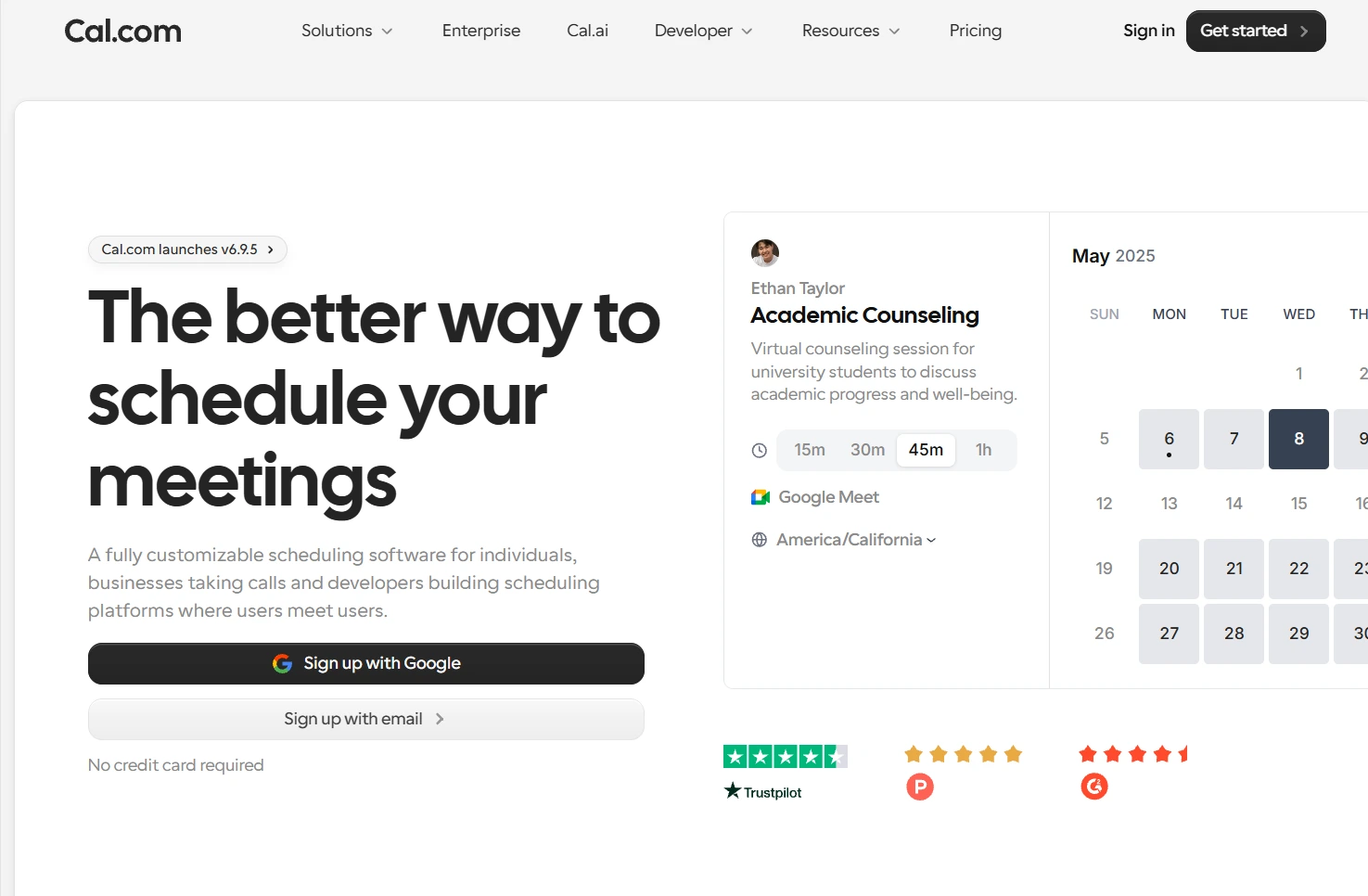
Cal.com is online scheduling software that lets individuals and teams publish availability and accept bookings. Its free individual plan includes unlimited event types and calendars, while paid plans add team scheduling and routing features.
What you get from Cal.com
- Booking pages with unlimited event types and calendar connections on the free individual plan.
- Email and SMS notifications, plus Stripe and PayPal payment options.
- Team scheduling, round-robin bookings, and recurring events on the Teams plan.
- Routing forms, booking analytics, and customizable notifications on paid plans.
- Organization controls, including sub-teams and role-based permissions on higher plans.
What problems does it solve?
- Gives clients a direct way to book from your available times.
- Helps prevent calendar conflicts across connected calendars.
- Distributes bookings across a team with round-robin scheduling.
- Routes clients to the right booking option using forms and rules.
What users say about it
G2 rates Cal.com 4.6/5 from 153 reviews. Reviewers praise its scheduling flexibility, ease of use, and calendar integrations. Some say the settings and customization options can feel complex, especially during initial setup.
Pros and cons
Pros
- The free plan includes unlimited event types and calendars for one user.
- Team plans include round-robin scheduling and routing forms.
- Reviewers value its flexibility and calendar connections.
Cons
- Some users find setup and advanced settings difficult to navigate.
- Team scheduling and routing features require a paid plan.
Pricing
The official pricing page lists a free Individual plan. With annual billing, Teams costs $12 per user/month and Organizations costs $28 per user/month; both paid plans include a 14-day trial.
When to use it
Use Cal.com if you want flexible booking links and calendar controls, or if your team needs routing and shared scheduling. It can suit consultants, recruiting teams, sales teams, and other businesses that coordinate many meetings.
9. YouCanBookMe: Customize booking pages around your availability and brand
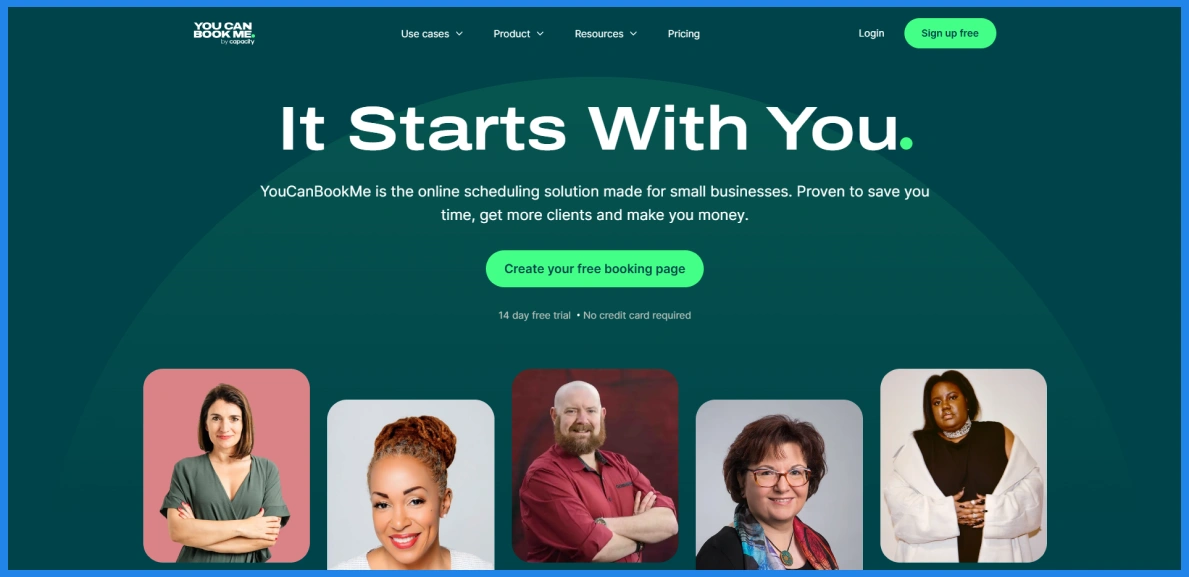
YouCanBookMe is appointment booking software for service providers and small teams that want clients to choose a time through a branded booking page. It connects to common calendars and supports booking forms, reminders, and payments through Stripe.
What you get from YouCanBookMe
- A customizable booking page that can be embedded on your website.
- Calendar connections, availability rules, and time-zone detection.
- Booking forms, rescheduling links, and automated confirmations.
- Stripe payments, including card and digital wallet options.
- Group sessions, automated workflows, and team scheduling on eligible plans.
What problems does it solve?
- Lets clients book without exchanging messages to find a time.
- Helps keep availability aligned with connected calendars.
- Collects booking details through customizable questions.
- Sends confirmations and reminders automatically.
What users say about it
Capterra rates YouCanBookMe 4.6/5 from 353 reviews; G2 lists 4.7/5 from 1,933 reviews. Reviewers praise its ease of use, customizable booking pages, and calendar syncing. Some mention a learning curve with advanced features or problems with calendar syncing and notifications.
Pros and cons
Pros
- Booking pages can be customized and embedded on a website.
- Supports calendar connections, booking forms, reminders, and payments.
- Reviewers appreciate its client-friendly booking process.
Cons
- Some reviewers find advanced features take time to learn.
- Reviewers report occasional calendar-sync or notification issues.
- Calendar connections and booking-page limits depend on the plan.
Pricing
The official pricing information lists a free plan with one calendar connection and one booking page. Monthly billing is $9 for Individual, $13 for Professional, and $18 per team member for Team. Annual billing is discounted; the pricing page shows the current options.
When to use it
Choose YouCanBookMe if branded booking pages, custom availability, and client forms matter to your business. It can fit consultants, tutors, salons, and small teams that want to tailor how clients book.
Which appointment scheduling software should you choose?
The right tool depends on how your clients book. If you mainly schedule calls and consultations, start with Calendly.
If you sell sessions, classes, or packages, Acuity Scheduling is a better fit. If you run a salon or clinic on Square, Square Appointments keeps booking and payments together.
If you want services, payments, and team scheduling in one tool at a lower team cost, try Timetics.ai, our own tool; it is newer, but early user feedback is positive. Before you commit, test your top two picks with a real booking on their free plan or trial.
FAQs
What is an online appointment scheduling system?
It’s a tool that lets clients book time with you through a website or booking page. It removes the need for phone calls, emails, or manual scheduling. These systems often include calendar sync, payment options, and automatic reminders.
Can I use a free online booking system?
Yes. Eight of the nine tools in this list have a free plan: Timetics.ai (up to 3 users), Calendly (1 event type), Square Appointments (free per location), Setmore (up to 4 users), SimplyBook.me (50 bookings/month), Zoho Bookings (1 user), Cal.com (for individuals), and YouCanBookMe (1 booking page). Acuity Scheduling has no free plan but offers a 7-day free trial. Free plans work well for solo providers and small teams, but they usually limit users, calendars, or monthly bookings.
What is the difference between appointment booking software and meeting schedulers?
Appointment booking software is designed for services with set durations, staff availability, and payments. Meeting schedulers focus mainly on booking calls or meetings. Service-based businesses usually need complete appointment booking systems, while consultants and remote workers often prefer meeting schedulers.
How do online booking systems help reduce no-shows?
Online booking systems send automatic confirmations and reminders. Some tools also support cancellation rules and payment collection, which encourages customers to show up or cancel in advance.
Are online appointment scheduling systems worth it?
Yes. Online appointment scheduling systems reduce manual work, prevent double bookings, and save time. Customers can book on their own, which improves response time and reduces missed opportunities.