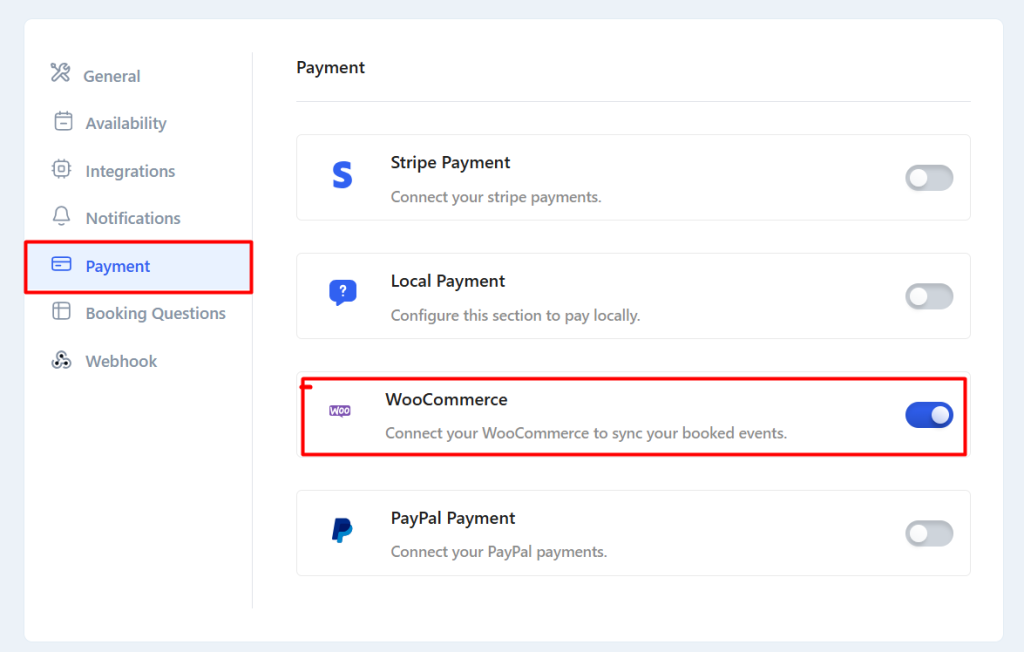
For WooCommerce payment, you need to install the WooCommerce plugin first.
Note: When you activate the WooCommerce Payment method, other payment (stripe & local) methods will automatically be disabled.
Now, go to Settings -> Payment Tab and enable WooCommerce.