How a Booking System Reduces No-Shows: 7 Proven Strategies to Follow
 Shifat Jaman
28 minutes read
Shifat Jaman
28 minutes read 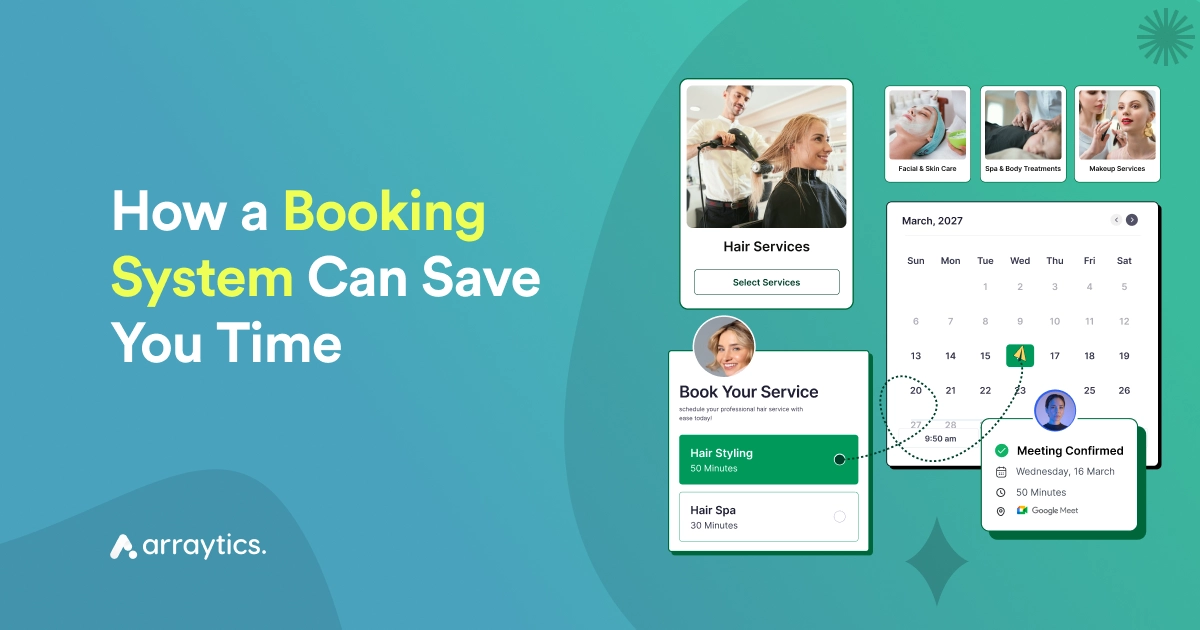
Studies show that no-show rates in service businesses can range from 10% to 30%, depending on the industry. That means for every ten appointments, up to three could be missed without the right system in place.
A booking solution solves this by automating confirmations, sending reminders, and letting clients manage their own appointments. It cuts no-shows, saves time, and frees you to focus on your work.
In this article, we’ll explore why no-shows happen, how a booking system reduces no-shows, and introduce an appointment booking plugin that makes appointment management easier.
Let’s get started.
Quick Overview
No-shows and scheduling mistakes can quietly hurt service businesses. This guide explains why missed appointments happen and how a smart online booking system helps reduce them with automation, reminders, and better scheduling workflows.
- What appointment no-shows are and why they happen
- The real cost missed appointments create for businesses
- How booking systems reduce scheduling mistakes
- Key features like reminders, real-time booking, and payments
- How Booktics helps manage bookings more efficiently
- Practical tips to reduce cancellations and increase attendance
- Answers to common questions about preventing no-shows
What Is an Appointment No-Show?
An appointment no-show happens when a customer books a meeting, consultation, or service but does not attend and does not cancel in advance. The time slot stays reserved, but the client never arrives.
This is a common problem for many service businesses. Salons, clinics, consultants, coaches, and fitness trainers often deal with missed appointments that leave empty time in the schedule.
No-shows create several problems. The business loses revenue because the time could have been given to another customer. Staff members also sit idle while waiting for an appointment that never happens.
The Real Cost of Appointment No-Shows
Appointment no-shows can hurt a business more than many people expect. When a customer misses a scheduled appointment without canceling, that time slot stays empty and cannot be given to another client.
The biggest impact is lost revenue. If a service normally charges for consultations, classes, or sessions, every missed appointment means money the business cannot recover.
No-shows also waste staff time. Employees prepare for the appointment, but when the client does not arrive, that time is lost.
Over time, missed appointments create schedule gaps, lower productivity, and reduced daily bookings. Many service businesses report no-show rates between 10% and 30%, which can lead to significant revenue loss each year.
Good read: Common Appointment Scheduling Mistakes & How to Avoid Them
Why do no-shows happen in service-based businesses?
Missed appointments and back-and-forth scheduling take up more time than they should. While they may seem unpredictable, most no-shows and time-related problems happen for a few specific reasons.
Here are the main reasons businesses face them:
- Client forgetfulness: Many clients book far in advance and then lose track of the date. Without reminders, even people who value your service can simply forget. Some may even schedule with multiple businesses and choose whichever one is most convenient at the last minute.
- Double-booking: Manual scheduling or using multiple calendars often leads to overlapping slots. For example, you might accept a phone booking while someone else has already booked the same time through email. These client scheduling mistakes not only create confusion but also reduce trust in your business.
- Manual scheduling errors: When staff handle bookings by hand, mistakes happen. A missed phone call, an email that gets buried, or a note written down wrong can all cause lost appointments. These minor errors build up and create bigger scheduling gaps over time.
- Lack of confirmation or reminder systems: A booking without confirmation often feels less official to a client. If they don’t receive a follow-up, they may assume it’s fine to skip or that the appointment wasn’t set. Without reminders, the chance of a no-show increases.
- Friction in the booking process: If booking requires calling during office hours, filling out long forms, or waiting for email replies, clients may give up. Some even forget to finish the process. A slow or complicated booking flow directly increases the risk of missed appointments.
- Overwhelmed staff or inconsistent follow-ups: Staff often juggle phone calls, emails, and walk-ins. Sending reminders or checking confirmations can fall through the cracks. Even one missed reminder can mean a lost appointment, and when this happens often, it adds up to hours wasted each week.
How a booking system solves no-show
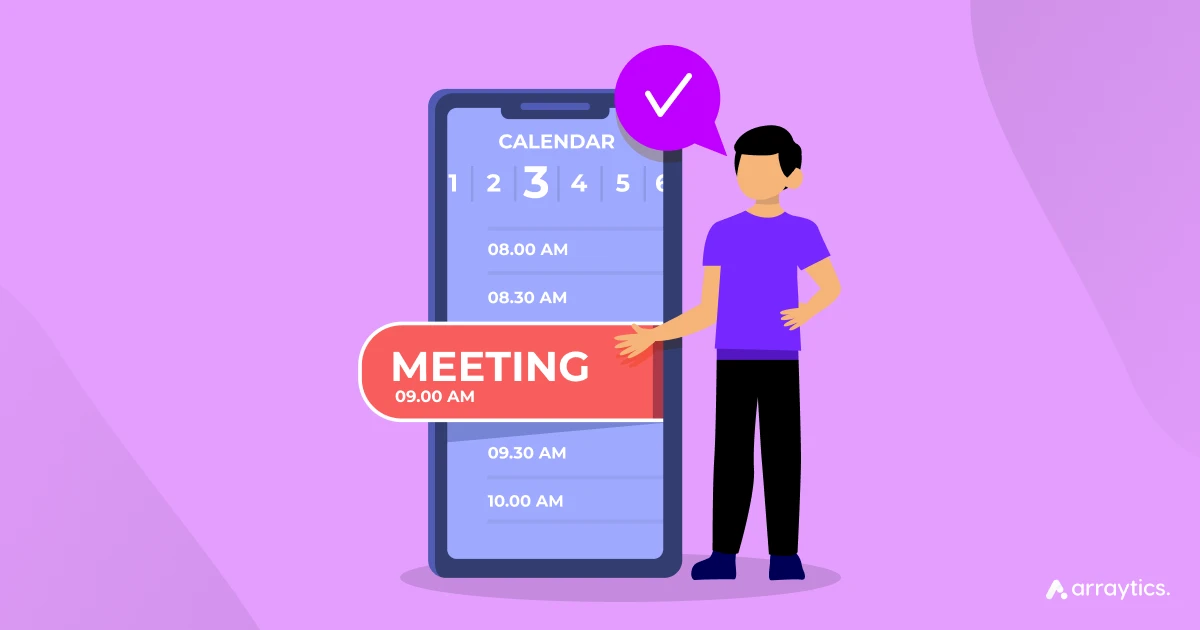
A good online booking system for service businesses is more than just a digital calendar. It’s a tool that handles the repetitive parts of scheduling so you can focus on the work that matters.
Here’s how it addresses the common problems that lead to no-shows and wasted time.
1. Automated reminders and confirmations
Once a client books, the system can automate reminders through email, SMS, or even WhatsApp. This ensures clients stay engaged and significantly reduces the risk of missed appointments.
2. Real-time availability and self-service booking
Clients can view your availability and book on their own, without waiting for a response. This reduces delays, eliminates back-and-forth communication, and ensures your calendar stays up to date.
3. Time buffering and staff scheduling tools
You can set rules around how appointments are booked, including buffers between sessions and limits on how many bookings a staff member can take per day. This helps prevent overlap and keeps workloads balanced.
4. Payment collection to secure commitment
Requiring a deposit or full payment at the time of booking encourages clients to follow through. When someone has already paid, they’re more likely to show up or reschedule in advance if needed.
5. Easy rescheduling and cancellation management
Clients can update or cancel their appointments through the booking solution without having to call or email. This adds convenience and gives you enough time to refill the slot or adjust your schedule.
These challenges add up over time. The good news is that with the best appointment booking system and a schedule management plan, you can address each of them directly.
How Booktics helps you go beyond standard booking tools
Most booking plugins offer the basics: a calendar, a form, and a few reminders. Booktics is built to do more. It’s a complete automated booking system made for WordPress. As a WordPress appointment booking plugin, it gives service providers flexibility, control, and automation from one dashboard.
Here’s how Booktics stands out:
Quick setup with complete control
You don’t need to connect multiple tools or deal with complicated settings. Just install Booktics on your WordPress site, set up your services, and you can start taking bookings in minutes—no coding required.
Designed for different types of services
Whether you run a clinic, salon, or cleaning business, Booktics supports multiple service categories, pricing, and scheduling needs. You can set different durations, assign staff, and manage team availability from one place.
Built-in calendar and smart scheduling
The admin calendar view helps you track all bookings. You can set buffer times, limit daily bookings, create custom time slots, and sync your schedule with Google or Outlook Calendar.
Powerful automation for reminders and communication
From confirmations to follow-up reminders, Booktics automates communication with your clients. You can even create custom email workflows to send updates, thank-you notes, or feedback requests without manual effort.
Calendar and integration support
Sync bookings with Google Calendar, Outlook, or iCal to keep everything in one place. For online services, Booktics also generates Google Meet links automatically, making virtual appointments simple to manage.
Manage teams, locations, and services
Booktics Pro expands your setup to support team management, multiple service locations, and advanced reporting. This is especially useful for growing businesses that need more than just a calendar.
Payment integration and booking protection
Booktics works with PayPal, Stripe, and WooCommerce to let you collect payments at the time of booking. You can also set deposits to reduce cancellations and no-shows.
📦 Download Booktics for Free
If you’re running a service-based business and want a smooth, no-code way to manage appointments, this is your chance to get started. It’s free, flexible, and made to grow with your business.
Download from WordPress.org7 Proven Tips to maximize results from your booking system
Having an online booking system in place is the first step. To get the most out of it, you’ll want to use its features in smart ways that keep clients engaged and committed. Here are some practical tips:
1. Use SMS + email reminders together
Email reminders are helpful, but they’re easy to miss. If your clients are often on the go, SMS reminders can be more effective. Combining both an automatic reminder gives your clients a better chance of seeing the reminder, especially for same-day appointments.
2. Require deposits for high-value appointments
When the service involves a higher cost or a significant time block, asking for a small deposit helps clients take their commitment seriously. It also protects your business if they cancel late.
3. Analyze no-show trends
Use your booking data to check for patterns. Are no-shows more common on certain days or time slots? Are some services cancelled more than others? Understanding the trends can help you adjust availability or require confirmation for those specific cases.
4. Send thank-you or feedback emails post-appointment
A simple thank-you message or feedback request can help build client loyalty. You can also include a link to rebook, which encourages repeat business without needing a separate sales push.
5. Implement late-cancellation or no-show fees
Even with reminders, some clients may still cancel at the last minute or not show up at all. Setting a clear policy with small fees for late cancellations or missed appointments encourages accountability and prevents lost revenue.
6. Offer incentives to show up
Rewards can motivate clients just as much as penalties. Offering a small discount on their next visit, loyalty points, or a free add-on service for consistent attendance encourages people to keep their appointments.
7. Analyze and optimize appointment scheduling
Your appointment scheduling software stores valuable booking data. Use it to check for patterns, adjust service availability, and take proactive steps to reduce appointment no-shows.
Read also: Best Booking Plugins for Educational Institutions
FAQs about how a booking system reduces no-shows
What’s the best way to handle repeat no-shows?
If a client misses appointments more than once, you can set stricter booking rules for them. For example, require full payment upfront or limit their ability to reschedule last minute. This keeps your calendar reliable while still leaving the door open for them to book.
How does the booking plugin help with last-minute cancellations?
When a client cancels, the system can immediately reopen that slot. Some tools even allow you to add clients to a waitlist so another customer can grab the spot quickly. This helps reduce wasted time.
What types of businesses is Booktics best for?
Booktics works well for service-based businesses such as salons, clinics, tutors, consultants, and cleaning services. It’s flexible enough to handle different types of scheduling needs.
Can I personalize booking reminders?
Yes. You can include the client’s name, the exact service they booked, and even the staff member they’ll meet. Personal reminders feel more thoughtful and give clients fewer reasons to skip.
Read also: How to Use AI in WordPress to Automate Your Website
Ready to optimize bookings and reduce no-shows?
No-shows and scheduling issues can take a toll on your business, but they don’t have to be part of the routine. An online booking plugin gives you a better way to prevent appointment no-shows without adding more work to your day.
Booktics appointment booking plugin for WordPress is built for service-based businesses that need a simple, reliable way to take bookings online. From automated reminders to team scheduling, it gives you the tools to stay on track and keep your calendar full.
You don’t have to manage appointment booking the hard way anymore. If you want to reduce appointment no-shows, try Booktics today and see how much smoother your schedule can run.
🚀 Ready to simplify your bookings and grow faster?
Try Booktics today and take control of your service business with smarter scheduling.
👉 Try Booktics Now