Will WordPress be the Best CMS in 2026? A Full Comparison of WordPress vs Webflow vs Wix vs Shopify
 Shifat Jaman
76 minutes read
Shifat Jaman
76 minutes read 
At Arraytics, we’ve been working in the content management space long enough to see platforms rise, fall, and completely reinvent themselves.
Whether it’s WordPress powering millions of blogs, or newer players like Webflow shaking up how designers work, we’ve kept a close eye on what tools actually serve users best, not just today, but in the long run.
As we head into 2026, many users are asking the same question: “Is WordPress still the best CMS?” Or is it time to consider WordPress alternatives like Webflow, Wix, or Shopify?
In this article, we’ll take a detailed look at WordPress vs Webflow vs Wix vs Shopify. We’ll compare each platform across real-world factors like ease of use, SEO, design flexibility, eCommerce features, cost, and how well each one is adapting to emerging trends.
Let’s get started.
Comparison at a glance: WordPress vs Webflow vs Wix vs Shopify (2026 Edition)
| Feature | WordPress | Webflow | Wix | Shopify |
| Ease of Use | Moderate learning curve | Visual designer with some learning | Easiest for beginners | Easy for store owners |
| Design Control | Very high (themes, blocks, custom code) | High visual design control | Template driven | Limited design for pages outside store |
| SEO Strength | Very strong | Good | Basic | Good for stores |
| E-commerce | Strong with WooCommerce | Basic | Good for small stores | Best for online stores |
| AI Features | Growing through plugins and tools | Built-in AI tools are expanding | AI assistance for design | AI tools for products and store tasks |
| Cost | Low entry, cost varies by hosting | Medium to high | Medium | Higher long-term |
| Performance | Depends on hosting and setup | Strong out of the box | Strong for simple sites | Strong for commerce |
| Security | User-managed | Hosted and managed | Hosted and managed | Hosted and managed |
| Scalability | Very high | Good for small to mid sites | Best for small sites | High for stores |
| Support | Community and paid experts | Direct support | Direct support | Direct support |
| Best For | Bloggers, agencies, SMBs, devs | Designers, creative teams, studios | Solopreneurs, local businesses | E-commerce brands, DTC, dropshippers |
What is the current state of WordPress?
As of 2025, WordPress remains the most widely used CMS in the world, powering over 41% of all websites according to W3Techs. It’s still the go-to platform for bloggers, small businesses, content-driven websites, and even large-scale enterprise projects.
One of the key reasons for WordPress’s ongoing dominance is its open-source nature. Unlike SaaS platforms like Webflow, Wix, or Shopify, WordPress gives users complete control over their site’s code, structure, and hosting. This makes it highly flexible but also more demanding in terms of management.
In 2026, WordPress is continuing to evolve with features like:
- Full Site Editing (FSE) is becoming the default for theme customization
- Deeper block-based design experiences through the Gutenberg editor
- Growing support for headless setups using REST API or GraphQL
- Increased attention to performance, accessibility, and core web vitals
- Plugins are starting to integrate AI-powered tools for writing, SEO, and automation
Platform-by-Platform CMS breakdown
Let’s break down WordPress, Webflow, Wix, and Shopify one by one first.
WordPress: Still king or losing ground?
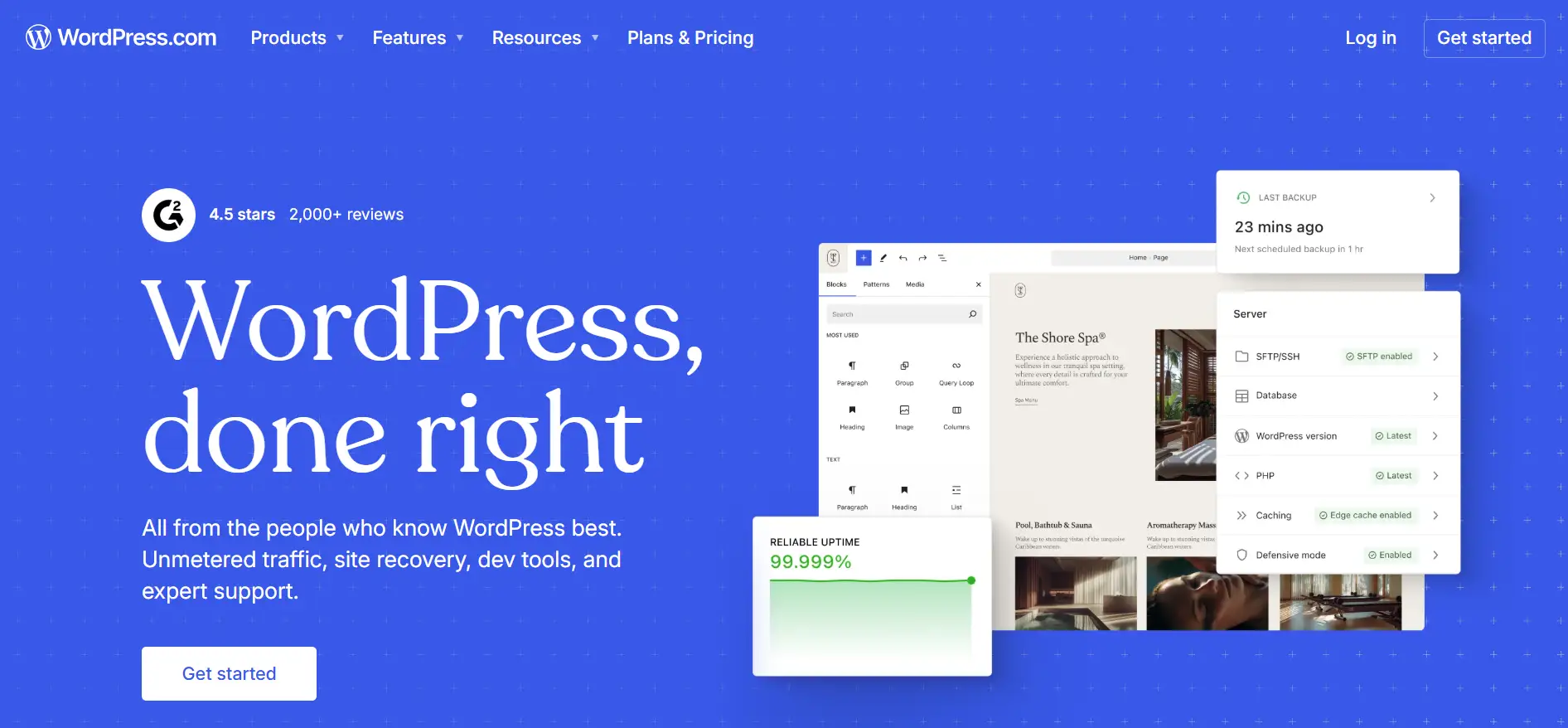
WordPress has been the industry leader in content management systems for over a decade. Even in 2026, no other platform comes close in terms of market share or ecosystem size. But that doesn’t automatically make it the best CMS in 2026, at least not for every use case.
If you’re comparing WordPress vs Webflow vs Wix vs Shopify, it’s clear that WordPress still offers the most freedom, customization, and flexibility. You can build anything from a basic blog to a headless enterprise site. You have full access to the code. You’re not locked into any vendor or pricing model.
Where WordPress still leads
- Unlimited customization and flexibility
- Massive plugin ecosystem (60,000+)
- Complete ownership and control
- SEO capabilities and maturity
- Cost-effectiveness at scale
- Developer community and resources
Where WordPress is struggling
- Steeper learning curve for beginners
- Maintenance requirements (updates, security, backups)
- Hosting decisions add complexity
- Performance optimization requires effort
Who is it for?
- Bloggers and content publishers
- Growing businesses need scalability
- Custom web applications
- Those wanting full control and ownership
Webflow: Designer’s dream or scalable CMS?
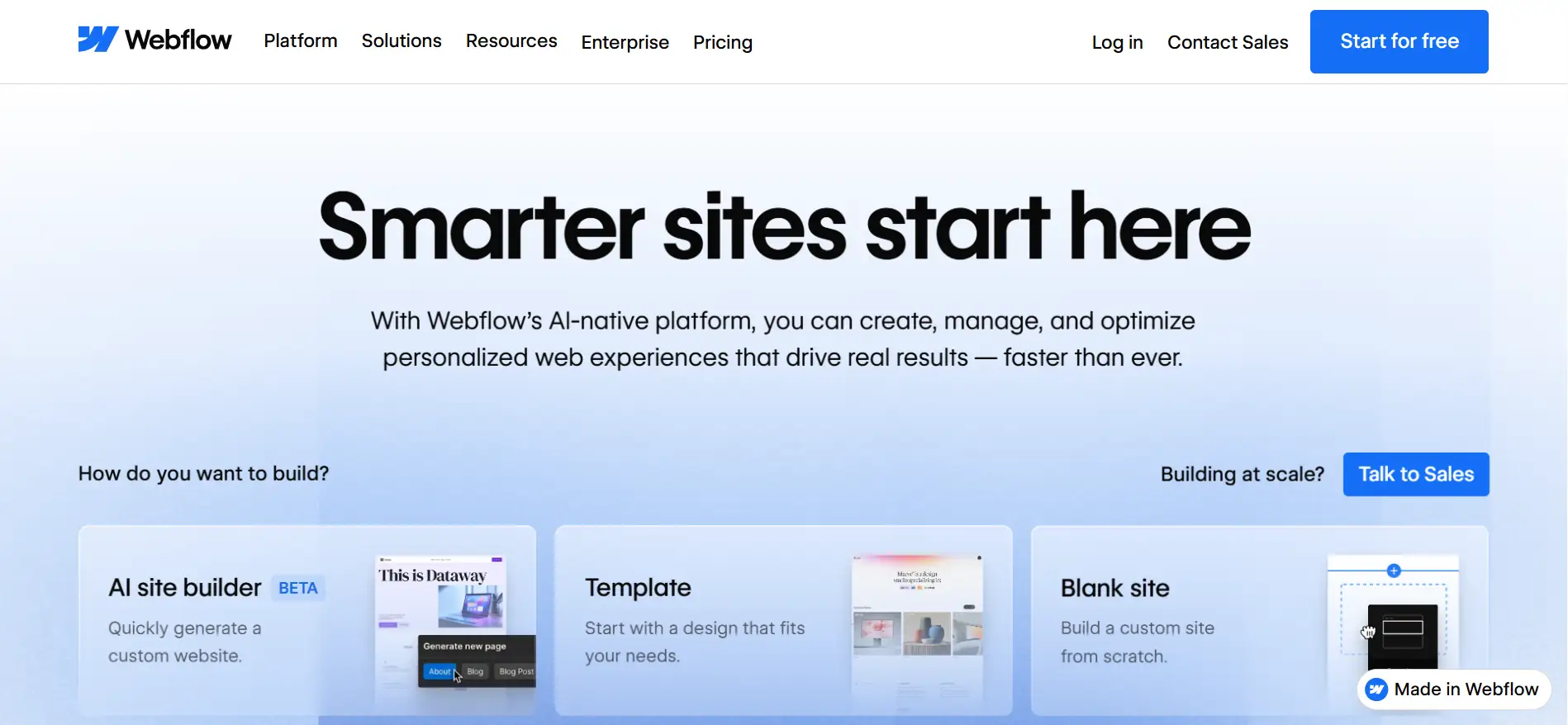
In recent years, Webflow has carved out a solid position as a visually-focused CMS that bridges the gap between design freedom and front-end development. In 2026, it’s no longer just a tool for freelancers or portfolios; it’s being used for corporate websites, marketing pages, and even some product-driven businesses.
But in a WordPress vs Webflow comparison, the priorities are very different. Webflow’s appeal lies in its no-code visual interface, its performance out of the box, and the ability to export clean HTML/CSS without touching WordPress themes, plugins, or PHP.
Where Webflow excels in 2026
- Visual design freedom without coding
- Clean, semantic code output
- Built-in hosting and CDN
- Designer-friendly interface
- Strong for marketing sites and portfolios
- No plugin maintenance
Where Webflow falls short
- Expensive at scale (CMS plan pricing)
- Limited e-commerce functionality
- Smaller community and resources
- CMS item limits on lower tiers
- Less flexibility for complex functionality
Webflow vs WordPress: Who is it for?
- Designers and creative agencies
- Marketing sites and landing pages
- Portfolio and showcase websites
- Those prioritizing design control
Wix: Beginner-friendly, but how far can it go?
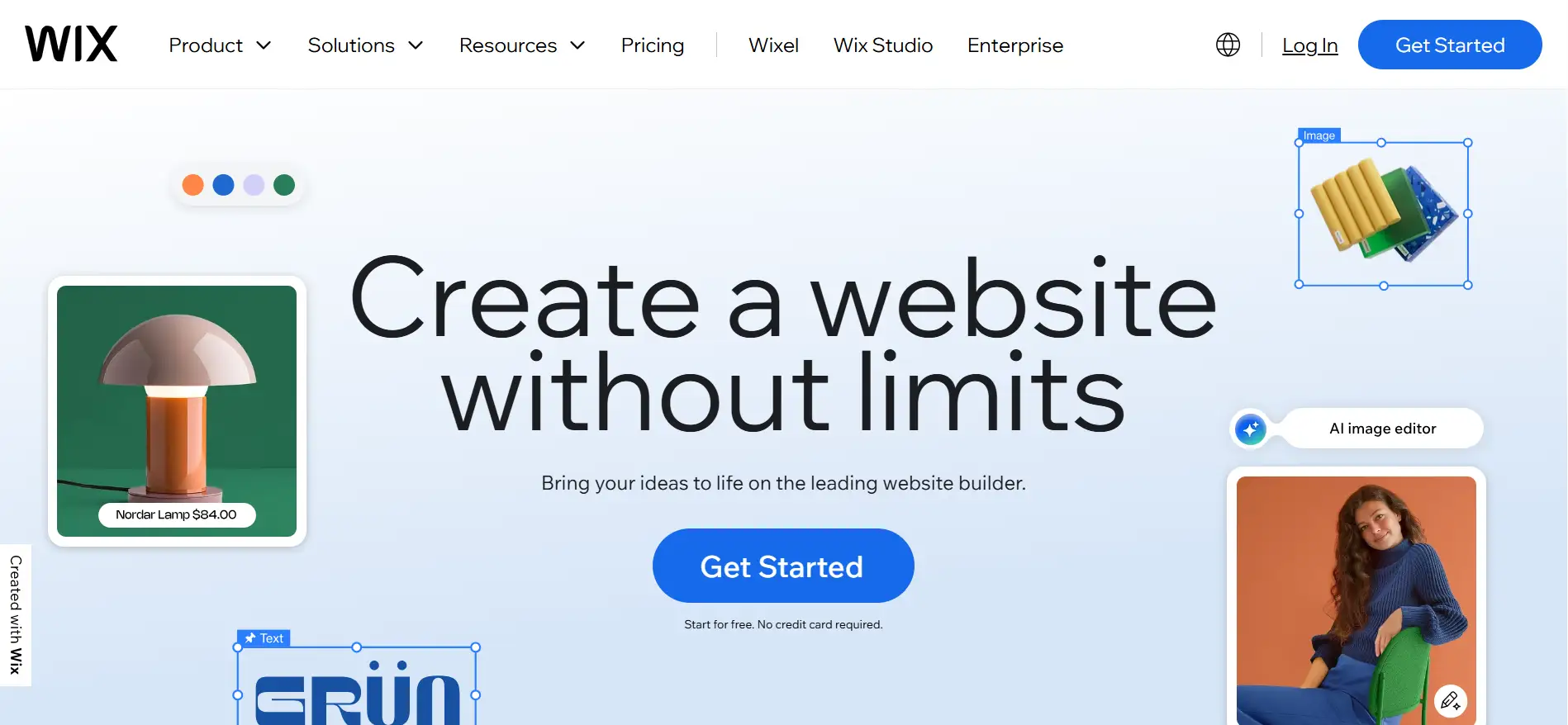
Wix has long been known as the most accessible website builder for beginners. In 2026, that hasn’t changed. If anything, Wix has doubled down on ease of use with tools like Wix Studio and Wix ADI (Artificial Design Intelligence), which now incorporate AI-powered design suggestions and automated site creation.
But while Wix is often mentioned in discussions about WordPress alternatives, the two platforms serve very different types of users. A Wix vs WordPress comparison comes down to how much control and scalability you need versus how quickly and easily you want to launch.
Where Wix works well
- Ultimate ease of use for beginners
- All-in-one solution (hosting, security included)
- Drag-and-drop simplicity
- Built-in AI tools and automation
- Quick setup and launch
- Affordable entry point
Where Wix hits limits
- Limited scalability for growth
- Template lock-in (can’t switch templates easily)
- Less SEO flexibility than WordPress
- Cannot export and move your site
- Performance limitations on lower tiers
- Fewer integrations compared to WordPress
Wix vs WordPress: Who should use it?
- Complete beginners
- Small businesses and solopreneurs
- Quick website launches
- Those wanting zero technical involvement
Shopify: The best e-commerce CMS?

Shopify has maintained its reputation as the leading e-commerce platform for small to mid-sized businesses. As of 2025, it powers over 6% of all websites and continues to grow, especially in the DTC and retail startup space. Its focus has always been clear: e-commerce first, everything else second.
In the ongoing Shopify vs WordPress debate, the choice usually depends on how deeply you need to customize your storefront and whether e-commerce is your site’s primary function.
Where Shopify dominates
- E-commerce-first platform (unmatched for online stores)
- Built-in payment processing
- Inventory management and shipping tools
- Point-of-sale (POS) integration
- App ecosystem for store functionality
- Reliable hosting and security
Where Shopify falls short
- Transaction fees (unless using Shopify Payments)
- Limited blogging and content features
- Not ideal for non-e-commerce sites
- Customization requires Liquid knowledge
- Monthly costs add up with apps
Shopify vs WordPress for E-Commerce: Who should use it?
- eCommerce focused businesses
- Multi-channel sellers (online + physical)
- Dropshipping businesses
- Those needing integrated POS systems
WordPress vs Webflow vs Wix vs Shopify head-to-head comparison: 10 Key factors to consider
1. Ease of use and learning curve
When users compare WordPress vs Webflow vs Wix vs Shopify, the first thing they ask is which one is easiest to start with. Ease of use matters if you are new or if you want to build simple sites fast.
Wix: Easiest for beginners
Wix remains the easiest CMS to use in 2026. The interface is simple, and most users can get a website live within a few hours. Wix ADI and preset templates simplify decision-making. This is why many small business owners choose Wix when they first start a website.
Shopify: Simple for store owners
Shopify is optimized for store owners, not developers. The setup process is smooth, and the admin panel is intuitive. You can launch a fully functional online store without any coding, although deeper customization will require some technical knowledge or developer help.
Webflow: Visual control with a learning curve
Webflow is visually oriented, but it assumes a basic understanding of design principles like box models, padding, and positioning. For designers, this makes it a powerful tool. For beginners, it comes with a learning curve.
WordPress: Powerful, but more steps to learn
WordPress has a bigger learning curve because you handle hosting, themes, plugins, and updates. The block editor is easier than the old classic editor, but new users still need time to get comfortable. This is why some beginners say WordPress feels harder when comparing Wix vs WordPress or Webflow vs WordPress.
2. Design flexibility & customization
Design control is one of the most important parts of a CMS comparison, especially for users who want unique layouts or long-term growth.
WordPress: Highest level of control
WordPress still offers the most flexibility when it comes to both design and customization. Users can build anything from a simple blog to a fully custom web app. With builders like Elementor, Bricks, or Gutenberg (block editor), non-developers can achieve pixel-perfect designs, while developers have full access to PHP, CSS, and JavaScript for deeper customization.
There’s also growing support for block-based full site editing (FSE), which improves visual control natively. This is a major reason many designers and developers stay with WordPress even when considering new options.
Webflow: Strong visual design freedom
Webflow is the closest match to WordPress in terms of design. You can control every detail: spacing, breakpoints, interactions, and animations, all from a drag-and-drop interface. It outputs clean, production-ready HTML and CSS, which is great for designers who want a visual editor that works like a design tool. However, backend flexibility is limited compared to WordPress.
Shopify: Good for stores, limited outside storefront
Shopify sites are highly customizable if you know Liquid, Shopify’s templating language. Most users rely on themes and apps to manage design, but serious customization often means working with a developer. Shopify’s design limitations are mainly tied to its eCommerce-first structure. For content-heavy sites or custom section design, it is more limited.
Wix: Template-based with some limits
Wix allows basic customization through its drag-and-drop builder, and new tools like Wix Studio are a step forward. Still, you’re mostly working within predefined modules and layout grids. Design options are suitable for simple websites but are limited when you need more control over structure, responsiveness, or custom logic.
3. SEO capabilities
SEO is one of the most important parts of any CMS comparison, especially when users search for the best CMS in 2026. Is WordPress still the best CMS, or WordPress alternatives? How each platform handles search visibility shapes long-term growth.
WordPress: Strongest SEO base
When it comes to SEO, WordPress still sets the standard. With plugins like Rank Math and Yoast SEO, users have full control over everything from metadata to schema, redirects, XML sitemaps, robots.txt, and canonical URLs. The ability to edit permalink structures, customize heading hierarchies, and optimize performance through caching and lazy loading also supports advanced SEO strategies.
WordPress gives you direct access to your HTML and server settings, which is critical for technical SEO. Structured data, Open Graph settings, breadcrumbs, and multi-language support are all easily implemented through plugins or custom code.
Webflow: Clean code and good on-page control
Webflow performs well in SEO for a no-code platform. It allows users to manage meta titles, descriptions, alt text, and Open Graph data. You can also set up automatic sitemaps, edit URL slugs, and integrate schema markup manually.
While Webflow lacks SEO plugins like WordPress, its built-in controls are solid. However, more advanced setups (like structured data for multiple content types or automated SEO workflows) require manual setup or third-party tools.
Shopify: Good for product SEO
Shopify covers the SEO basics: editable meta tags, automatic sitemaps, SSL, and decent performance. But it falls short in areas like full control over URL structure, especially product and blog URLs, which include forced paths like /products/ and /blogs/. Schema customization is also limited unless you’re comfortable editing Liquid files.
Some SEO-focused apps are available in the Shopify App Store, but they’re not as powerful or flexible as what’s available for WordPress.
Wix: Basic SEO tools
Wix has made progress, but it still lags behind the other platforms for advanced SEO. You can edit meta tags, use basic structured data, and connect to Google Search Console, but deeper control is limited. For example, Wix doesn’t allow full access to the site’s file structure, and editing robots.txt or implementing advanced schema markup requires workarounds.
4. E-commerce functionality
Shopify: Best for online stores
Shopify remains the leader in e-commerce CMS platforms. It’s designed for selling online and comes with everything you need: product management, inventory tracking, shipping integrations, built-in payment processing, and abandoned cart recovery all out of the box.
With access to thousands of apps, Shopify allows you to extend your store with marketing tools, loyalty programs, upselling features, and subscription billing. Its checkout experience is fast, secure, and optimized for conversion. For international stores, Shopify also supports multi-currency and localization.
It’s still the best platform for users focused primarily on running a store and wanting a managed infrastructure.
WordPress with WooCommerce: Strong and flexible
WordPress becomes a strong e-commerce platform when paired with WooCommerce, which now powers over 20% of all e-commerce sites globally. It’s open-source and flexible, allowing for deep customization of every aspect of the store from the product catalog to checkout flow.
With WooCommerce, you can sell physical or digital products, memberships, courses, or subscriptions. You also get access to a wide range of payment gateways, shipping extensions, and advanced e-commerce plugins. However, performance, security, and user experience depend heavily on how well the site is built and maintained.
Shopify vs WordPress for eCommerce comes down to priorities: Shopify wins on simplicity and speed, while WordPress + WooCommerce offers more control.
Wix: Good for small stores
Wix supports e-commerce with its built-in online store functionality. It works well for small shops or local sellers and includes inventory management, digital product support, and multiple payment options. Wix Payments and third-party processors like Stripe are easy to set up.
However, Wix lacks advanced customization and can struggle to scale. There are limitations with taxes, shipping logic, and complex product variations. It’s not designed for stores that plan to grow significantly or expand internationally.
Webflow: E-commerce is limited
Webflow’s e-commerce tools are the least developed of the four. While you can create clean product pages and manage small catalogs, the feature set is limited. You get basic inventory tracking, shopping cart functionality, and Stripe or PayPal integration, but not much else.
Advanced features like customer accounts, multi-currency support, subscription billing, or flexible checkout flows are either unavailable or require workarounds. Webflow works for small digital shops or design-focused product pages, but not for growing e-commerce businesses.
5. Cost over time (total cost of ownership)
When choosing a CMS, upfront pricing is only part of the picture. Over time, costs can change significantly, especially as your site grows, your needs change, or premium features become necessary. Here’s a breakdown of what you can expect with each platform.
WordPress: Low entry cost, but it depends on the choices
WordPress itself is free. You only pay for hosting, a domain, and any premium tools you add. Many themes and plugins are free, but some are paid.
Year 1 typical cost:
- Domain: 10 to 15 USD
- Hosting: 60 to 180 USD per year
- Optional premium theme or plugins: 50 to 200 USD
Year 3 cost:
Most costs stay similar unless you upgrade hosting for higher traffic. WordPress remains one of the best values over time, especially for users who want control and no forced fees.
Webflow: Higher cost for growing sites
Webflow starts at a moderate price, but the cost rises as you add CMS items, traffic, and features.
Year 1 typical cost:
- Basic site: 168 to 228 USD
- CMS plan: 228 to 468 USD
- E-commerce: higher
Year 3 cost:
Costs rise with site growth. If you add CMS items, team members, or higher traffic, the price increases. This is where users often start searching for WordPress alternatives due to cost limits.
Wix: Simple price, but adds up with add-ons
Wix offers all-in-one plans. It includes hosting and security, so the price is predictable.
Year 1 typical cost:
140 to 300 USD, depending on features
Year 3 cost:
Stays steady unless you add paid apps. Wix costs more than basic WordPress hosting but less than Webflow or Shopify for simple sites.
Shopify: Higher long-term cost for stores
Shopify has predictable pricing, but it becomes expensive for large stores.
Year 1 typical cost:
- Basic plan: 348 USD
- Standard plan: 948 USD
- Apps: 200 to 800 USD yearly
- Transaction fees if not using Shopify Payments
Year 3 cost:
Costs increase as sales grow, because many apps charge monthly fees. This is a major reason users compare Shopify vs WordPress for eCommerce when planning long-term stores.
Our takeaways
If you want maximum control with good long-term value, WordPress offers the strongest total cost of ownership. Webflow and Shopify become more expensive as you scale. Wix stays simple for small sites.
6. Performance and speed
Website speed and overall performance matter for both user experience and SEO. With Google’s continued focus on Core Web Vitals as a ranking factor, how each CMS handles speed in 2026 is more important than ever.
Shopify: Fast for stores and product pages
Shopify leads in this category. It’s a fully managed platform, optimized for e-commerce performance. Pages load quickly, and Shopify automatically handles image optimization, code minification, and CDN delivery. The checkout process is fast and reliable, which directly affects conversion rates.
You don’t need to worry about performance plugins or manual optimization it’s all handled behind the scenes.
Webflow: Strong performance out of the box
Webflow hosts all sites on its own infrastructure. This gives consistent speed without extra setup. Also, its Code output is clean, and caching is automatic.
Users who pick Webflow often do so because the platform handles most technical work behind the scenes.
Wix: Good performance for simple sites
Wix has made notable improvements in page speed since 2022, particularly through automatic optimizations like image resizing and lazy loading. However, it’s still not as fast as Shopify or Webflow, especially for sites with large media files or dynamic content.
Since Wix doesn’t offer deep control over technical settings, your ability to optimize for performance is limited.
WordPress: Performance depends on hosting and setup
WordPress performance varies widely. With a good host, a lightweight theme, and the right WordPress plugins, WordPress can match or even exceed other platforms in speed. But that requires careful setup.
Common issues include:
- Plugin bloat
- Poor-quality themes
- Shared hosting bottlenecks
To improve performance, most WordPress sites need tools like caching plugins, image optimizers, CDNs, and performance monitoring tools. Managed WordPress hosts help resolve this, but come at a higher price.
| Core Web Vitals Considerations | ||||
| Metric | Shopify | Webflow | Wix | WordPress |
| Largest Contentful Paint (LCP) | Excellent | Excellent | Good | Depends on setup |
| First Input Delay (FID) | Excellent | Excellent | Good | Depends on theme/plugins |
| Cumulative Layout Shift (CLS) | Excellent | Good | Good | Varies by builder/theme |
Our takeaways
If you want high performance with no manual effort, Shopify and Webflow offer the best results out of the box. Wix is fine for basic sites but not ideal for speed-critical use cases. WordPress can be extremely fast, but only with proper hosting and optimization.
7. Security and Maintenance
Security and ongoing maintenance aren’t always visible during site setup, but they play a major role in long-term stability. A secure CMS helps protect against data loss, downtime, and attacks without constant user intervention.
Shopify: Strong hosted security for stores
Shopify handles security for all stores. It comes with PCI compliance, SSL, server protection, and real-time monitoring. This reduces risk for store owners who cannot manage technical tasks. However, heavy reliance on third-party apps can introduce risks if those apps are not well-maintained.
Webflow: Security handled by the platform
Webflow also takes a hands-off approach to security. SSL is included by default, and the platform manages infrastructure updates, hosting security, and backups. There’s no need to install plugins for firewall or spam protection; it’s built in.
You don’t get direct access to server settings, but in exchange, the security layer is stable and automatic.
Wix: Fully managed security
Like the others, Wix manages hosting and platform security behind the scenes. Users get SSL, auto-backups, and spam protection without configuration. There’s no direct server access, which reduces the chance of misconfigurations or vulnerabilities.
WordPress: User-managed security
Security in WordPress is user-managed, unless you’re on a managed WordPress host like Kinsta, WP Engine, or Pressable. You’re responsible for:
- Installing security plugins (e.g., Wordfence, Sucuri)
- Managing updates for WordPress core, plugins, and themes
- Setting up backups and firewalls
- Monitoring for vulnerabilities
While WordPress can be highly secure, it requires technical know-how or a reliable hosting partner. Poorly maintained WordPress sites are more likely to be compromised due to plugin vulnerabilities or outdated software.
Our takeaways
If you want complete control, WordPress gives you that freedom with more responsibility. If you want to avoid technical maintenance and need a system that handles security for you, platforms like Webflow, Wix, and Shopify are easier.
8. Scalability and Growth Potential
Scalability means more than just handling high traffic; it includes expanding site functionality, adding new features, supporting multiple content types, and integrating with business systems over time.
WordPress: Highest scalability for content and features
WordPress offers the highest level of scalability, both in technical and content terms. As an open-source platform, it supports everything from single-page portfolios to large-scale news sites, online booking platforms, and enterprise applications.
- You can scale traffic with managed or cloud hosting
- You can add features through custom plugins, integrations, or headless architecture.
- There are no hard content limits; you can publish thousands of posts, pages, or custom post types.
This makes WordPress especially suitable for long-term growth, though it does require ongoing performance and infrastructure management.
Shopify: Scales well for eCommerce
Shopify is built to scale for online stores. It can handle large inventories, heavy traffic, and global selling. However, Shopify is still focused mainly on commerce. If your site needs advanced content structures, membership systems, or non-retail workflows, WordPress or a hybrid solution might be better.
Webflow: Good for small to mid-size sites
Webflow is scalable up to a point. You can grow a small-to-medium business site comfortably, and the platform now supports logic workflows, CMS collections, and API access. But there are limitations:
- CMS items are capped based on your plan (e.g., 2,000 items on the CMS plan, more on Enterprise).
- Complex integrations often require third-party tools like Zapier.
- No native multilingual support or eCommerce scalability beyond basic catalogs.
- It’s ideal for marketing websites, landing pages, and agency-built projects, but not for complex platforms.
Wix: Best for small sites with simple needs
Wix is the most limited in terms of long-term scalability. While Wix Studio gives more control to designers and agencies, it still has constraints:
- Performance can drop on content-heavy sites.
- Custom features rely heavily on built-in apps or Velo (Wix’s dev environment).
- Advanced content structures, multi-language support, and integrations are harder to implement.
| Platform | Traffic Handling | Feature Expansion | Best Use Case |
| WordPress | ✅ High (with proper setup) | ✅ Unlimited | Complex, growing websites |
| Shopify | ✅ Excellent for eCommerce | ⚠️ Limited content flexibility | Scalable online stores |
| Webflow | ⚠️ Moderate (plan-based limits) | ⚠️ Limited backend logic | Mid-sized marketing sites |
| Wix | ❌ Limited | ⚠️ App-dependent | Small, static sites |
Our takeaways
If you’re building a site you plan to scale, whether in traffic, features, or complexity, WordPress is the most adaptable platform. Shopify handles product and order growth well, but it is best for retail. Webflow supports small-to-mid growth with limits. Wix works for early stages but may require migration as needs evolve.
9. AI and Emerging Technology Integration
AI is shaping how websites are built, managed, and optimized. From automated content generation to predictive analytics and design suggestions, CMS platforms in 2026 are incorporating AI in different ways, some more aggressively than others.
Shopify: AI support for store tasks
Shopify uses AI for product descriptions, emails, simple edits, inventory suggestions, and store insights. These tools help store owners save time on day-to-day tasks. The focus is not on design or full-site building. It remains tied to commerce use cases.
WordPress: Growing AI ecosystem through plugins and tools
WordPress does not have native AI tools, but its open ecosystem gives it flexibility. Many AI features are available through plugins, including:
- AI writing assistants (e.g., ChatGPT-powered content tools)
- SEO optimization with AI suggestions (in Rank Math or AIOSEO)
- AI image generation and compression
- Form/chat automations
- AI-based translation and accessibility tools
Read this guide to know how to use AI in WordPress.
Wix: Strong built-in AI for beginners
Wix introduced Wix ADI (Artificial Design Intelligence) years ago, and it continues to evolve. Their AI is used to:
- Help build layouts based on a user’s goals
- Suggest design and content improvements
- Auto-generate website text and product descriptions
While the AI tools are useful for small sites and first-time builders, they are still fairly basic. You won’t find advanced AI analytics, integrations, or headless AI use cases.
Webflow: AI tools for design and content
Webflow is still catching up in this area. Some AI integrations exist via third-party tools, but Webflow hasn’t introduced deep native AI support yet. There’s growing demand from users, especially for content generation, accessibility scanning, and automation, but native support is minimal for now.
Our takeaways
If you’re looking for built-in AI tools that directly enhance operations, Shopify leads. WordPress offers the most flexible AI integration through plugins and custom code, but it requires setup. Wix offers beginner-friendly AI tools for building and writing, while Webflow has yet to make significant AI moves.
10. Community and support
While features and performance are important, access to help is what often makes or breaks a user’s experience with a CMS, especially over time. Whether it’s troubleshooting a bug or hiring a developer, the strength of the platform’s community and support system can make a huge difference.
WordPress: Largest community and most learning resources
WordPress has the largest and most active CMS community in the world. As an open-source platform, it’s supported by:
- Thousands of developers, designers, and agencies
- Extensive documentation and forums (WordPress.org, Stack Overflow, Reddit)
- Regular global events like WordCamps and Meetups
- A massive ecosystem of tutorials, courses, and plugin providers
Whether you’re stuck with a technical issue, looking to hire help, or just trying to learn, there’s always a solution, often free. Professional support depends on your hosting provider or premium plugins.
Shopify: Strong support for store owners
Shopify has a dedicated support team, available 24/7 via chat, email, or phone. It also has:
- A large partner network of developers and agencies
- Shopify Experts marketplace for hiring pros
- Active forums and app-specific support channels
The platform’s documentation is solid, and you’ll find plenty of third-party tutorials. While not as open or flexible as WordPress, Shopify users benefit from predictable, platform-specific support.
Wix: Simple support system for beginners
Wix offers direct support through its help center, live chat, and ticketing system. It also has:
- A growing library of tutorials and video guides
- A support team that handles most user-facing issues
- Some access to expert freelancers (via Wix Marketplace)
However, the closed nature of Wix means your support options are limited to what Wix officially offers; you can’t rely on open-source communities or custom developers the same way you can with WordPress.
Webflow: Strong but smaller community
Webflow has a strong community of designers, especially on platforms like Twitter/X, YouTube, and the Webflow Forum. There’s also:
- Webflow University (a solid resource for tutorials)
- Community Slack groups and forums
- Email-based customer support
That said, professional support is less accessible compared to Shopify or WordPress. You’ll often need to rely on independent freelancers or agencies for help, especially if something breaks on a custom build.
Our takeaways
WordPress has the deepest community support and the most available help. Shopify offers the best direct support for paid users. Wix is helpful for beginners but limited in external resources. Webflow has a passionate design community but lacks a broader support infrastructure.
So… will WordPress be the best CMS in 2026?
Based on current CMS trends and the comparisons we covered, WordPress is still in a strong position going into 2026. It leads in market share, flexibility, SEO strength, design control, and long-term ownership. It also has the largest plugin ecosystem and a massive community that continues to push the platform forward.
But the question is not only about numbers. It is about how each platform is changing.
How AI will impact each platform
AI website builders are becoming more common. Users can generate layouts, rewrite content, and manage tasks with AI tools. This trend affects all CMS options.
- WordPress: A large number of AI plugins already exist. The open-source structure makes it easy to add new tools and features.
- Webflow: Adding AI to support layout suggestions and content.
- Wix: Focused on AI-assisted site creation for beginners.
- Shopify: Offers AI tools for product descriptions and store insights.
AI does not replace a CMS. It supports the building process. WordPress is still flexible enough to adopt and expand these features.
The evolution of no-code/low-code tools
No-code platforms will continue to grow. People like visual editing. This is why the Webflow vs WordPress and Wix vs WordPress comparisons show steady interest. WordPress is responding with better block tools and full site editing to reduce the learning curve.
WordPress’s adaptation strategy (FSE, blocks, AI)
The platform continues to evolve:
- Full Site Editing (FSE) makes customization more visual.
- AI tools are emerging through third-party plugins and workflows.
- Headless architecture and block-based development are becoming more accessible for developers.
Market share projections
While WordPress still powers over 40% of all websites, the overall market is expanding, not shrinking. As more users enter the space through simplified tools like Wix or Shopify, WordPress may become a platform more focused on intermediate to advanced users, not everyone.
Emerging competitors to watch
AI-native builders will become more common. These tools will generate layouts, sections, and pages automatically. But they are still early. Most users still need control, ownership, and flexibility, which is where WordPress has the advantage.
WordPress vs Webflow vs Wix vs Shopify: Which is the best CMS in 2026?
In the ongoing WordPress vs Webflow vs Wix vs Shopify comparison, no single CMS is the best for everyone. Each platform has matured and found its strengths, and the real decision is about fit, not features.
If your project needs adaptability, deep customization, and future-proof flexibility, WordPress is still the strongest long-term choice. But if ease of use or managed infrastructure is more important, there are strong WordPress alternatives worth considering.
So here’s a quick breakdown,
- If you want full control, strong SEO, full ownership, and long-term flexibility, WordPress remains the best choice for most site types.
- If you want a simple setup and a guided building experience, then Wix is easier for beginners.
- If you want a visual design tool with more creative control, Webflow offers a clean and structured workflow.
- If your main focus is selling online, Shopify gives you a stable store system with simple product and order management.
FAQs
Can I migrate from Wix/Webflow to WordPress later?
Yes. You can move content from Wix or Webflow to WordPress, but the process is not fully automatic. Pages, posts, and images can be moved, but designs must be rebuilt. Many users migrate when they need more control, better SEO, or lower long-term costs.
Is WordPress dying in 2026?
No, WordPress is evolving, not dying. While platforms like Webflow and Shopify are gaining users, WordPress still powers over 40% of all websites and continues to improve with Full Site Editing, block-based design, and support for headless setups. It remains the most adaptable CMS for long-term growth.
Which platform is best for SEO in 2026?
WordPress offers the strongest SEO control. You can edit URLs, metadata, schema, sitemaps, and indexing in detail. Webflow comes second with clean code and solid built-in tools. Shopify and Wix offer SEO basics, but with more limitations on advanced configuration.
Do I need coding skills for WordPress in 2026?
No. You can build a full site with modern block themes and patterns. Coding helps if you want deeper customization, but many users build complete sites without writing code.
Can WordPress compete with AI-powered website builders?
Yes. WordPress already has many AI plugins for content, images, layouts, insights, and workflow tasks. Because it is open-source, new AI features can be added quickly. AI helps with creation, but WordPress remains stronger for long-term control and complex sites.
Which platform is best for beginners who want to grow?
If you want the easiest start, Wix is simple. If you want to grow with full ownership and more features, WordPress is a better long-term option. Shopify fits beginners who focus on selling. Webflow fits beginners who prefer visual design and structure.