8 Best Free WordPress Booking Plugins for Appointments in 2026
 Mayeesha Farin
78 minutes read
Mayeesha Farin
78 minutes read 
Managing appointments through phone calls, emails, or messages takes time and can cause missed requests, scheduling conflicts, and repeated follow-ups.
A free WordPress booking plugin lets customers check your availability and book directly from your website. However, free plans differ in their support for staff schedules, payments, calendar connections, reminders, and customer self-service.
The best choice depends on your booking process. Booktics offers a broad feature set for general service businesses, Amelia Lite supports appointments and basic events, Simply Schedule Appointments suits solo professionals, MotoPress handles multiple employees and locations, and Salon Booking System focuses on beauty businesses.
This guide compares 8 free booking plugins based only on the features available without a paid license.
- Booktics: Best for service businesses.
- Amelia Lite: Best for appointments and events.
- Simply Schedule Appointments: Best for solo professionals.
- Bookly: Best for basic appointment booking.
- BookingPress: Best for unlimited bookings and PayPal.
- FluentBooking: Best for online meetings.
- MotoPress: Best for multiple staff and locations.
- Salon Booking System: Best for beauty businesses.
Quick Comparison of the Best Free WordPress Booking Plugins
Each plugin on this list can accept appointments for free, but its features and ideal use cases differ. The table below gives you a quick overview before we review each option in detail.
| Plugin | Best for | Free payment option | Free calendar sync | Free staff support | Main limitation |
|---|---|---|---|---|---|
| Booktics | General service businesses | Stripe and offline payments | Two-way Google Calendar | Multiple team members | Group bookings and multiple locations require Pro |
| Amelia Lite | Appointments and basic events | Square | Not included | One provider | Multiple employees and calendar sync require a paid plan |
| Simply Schedule Appointments | Solo professionals | Not included | Not included | Single-host workflow | Payments, group bookings, and calendar sync require a paid plan |
| Bookly | Small businesses wanting an established plugin | Not included | Not included | One staff member | Limited to one staff member and five services |
| BookingPress | Beginners and solo providers | PayPal and on-site payment | Not included | Limited free staff support | Advanced staff features and calendar sync require Premium |
| FluentBooking | One-to-one online meetings | Not included | Not included | Individual-host scheduling | Team meetings, payments, and calendar connections require Pro |
| MotoPress Appointment Booking | Multiple staff and locations | Payment on arrival | Not included | Unlimited employees | Online payments and Google Calendar sync require Pro |
| Salon Booking System | Salons and beauty businesses | Not included | Two-way Google Calendar | Multiple assistants | Online payments and multiple branches require paid options |
We will now review what each plugin offers for free, where it works best, and which features may require an upgrade.
Note: Information checked: July 2026. Plugin developers may change their free plans, limits, and integrations. Confirm any essential feature on the official plugin page before installing it.
What Are the Best Free WordPress Booking Plugins?
1. Booktics – Best Overall Free Booking Plugin for Service Businesses
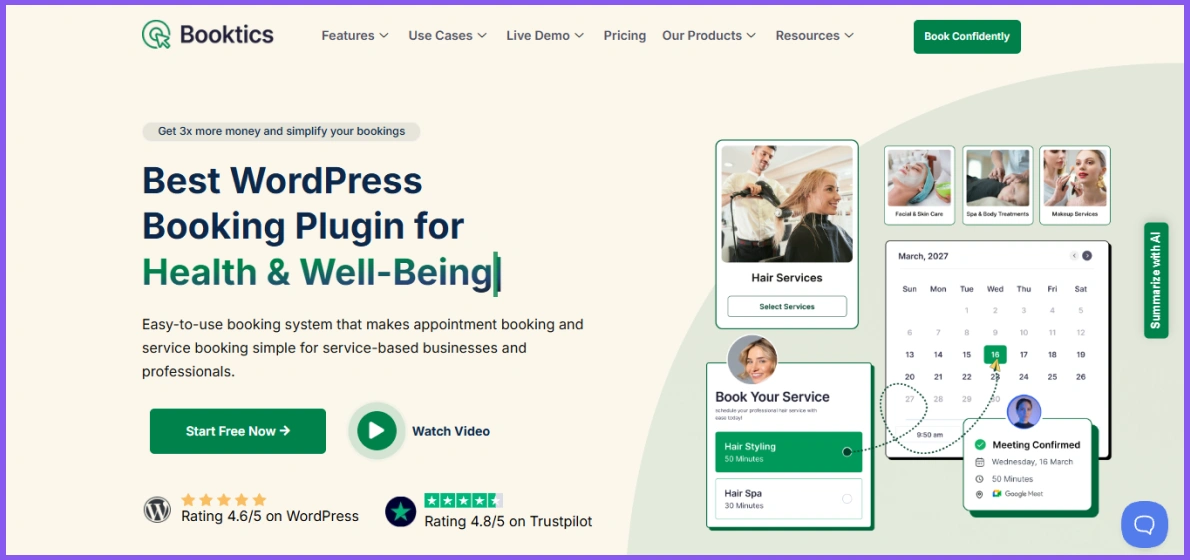
Booktics is best for general service businesses that need multiple staff schedules, Stripe payments, two-way Google Calendar sync, and customer rescheduling for free. It suits salons, clinics, tutors, coaches, fitness trainers, repair services, and other appointment-based businesses.
The free version lets you create unlimited services with separate prices, durations, availability, and buffer times. You can also add multiple team members, assign services to each person, and manage their individual working hours.
Customers complete the booking through a simple multi-step form. They can select a service, choose a staff member, pick an available time, and submit their details. You can approve appointments automatically or review them manually.
See how Booktics supports different service-based business booking processes, including salons, clinics, fitness services, and repair businesses.
Key free features of Booktics
- Unlimited services and appointments
- Multiple team members and individual staff panels
- Custom service durations and buffer times
- Stripe and offline payments
- Two-way Google Calendar sync
- Google Meet integration
- Customer cancellation and rescheduling
- Automatic email confirmations and reminders
- Booking limits and conflict prevention
- Admin booking calendar and customer management
Stripe support is one of Booktics’ main free advantages. You can collect card payments through the booking form without buying the Pro version. Its free two-way Google Calendar sync also checks external calendar events and blocks unavailable times, helping you avoid scheduling conflicts.
Limitations of Booktics Free
Booktics reserves group booking, paid service extras, custom booking fields, Outlook Calendar sync, PayPal, and multi-location management for its Pro version.
It is also a newer plugin, so it has a much smaller user base and review history than Bookly, Amelia, and several other options in this list. Businesses with complex recurring classes or advanced resource scheduling should test their complete workflow before using it on a live website.
Pros
- Strong selection of free booking features
- Free Stripe and two-way Google Calendar integration
- Supports several staff members
- Gives customers control over cancellations and rescheduling
- Suitable for both in-person and virtual appointments
Cons
- Smaller active user base than established alternatives
- Group booking and multiple locations require Pro
- Not suitable for hotels or multi-day rentals
Verdict: Booktics is the best for general service businesses needing free staff scheduling, Stripe, and two-way Google Calendar sync.
2. Amelia Lite – Best for Appointments and Basic Event Bookings
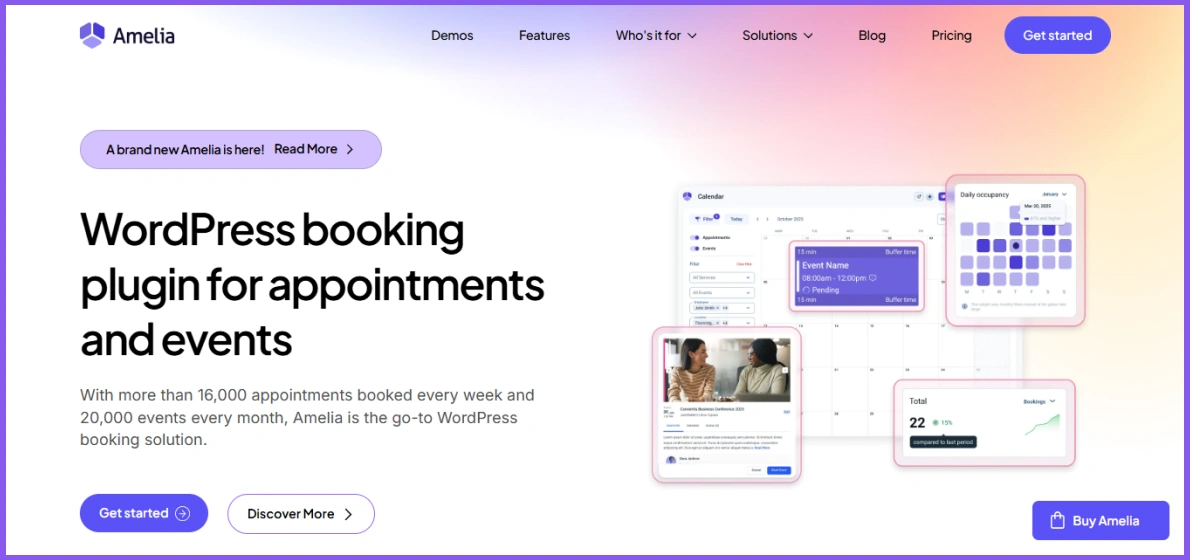
Amelia Lite is best for solo professionals who need appointment booking, basic event registration, and Square payments in one free plugin. It works well for solo professionals, consultants, coaches, and small businesses that want a clean booking experience.
You can create service categories, set working hours, and display your availability through a step-by-step or catalog-style form. Amelia Lite also includes a separate event list, making it useful when you need both appointments and basic event registration.
Key free features of Amelia Lite
- Appointment and event booking forms
- Service and category management
- Single-day and multi-day events
- Provider schedule and working-hour settings
- Square online payments
- Automatic double-booking prevention
- Admin calendar and performance dashboard
- Customer import through CSV
- Customer timezone detection
- Gutenberg, Elementor, and Divi support
- Basic form color customization
Square integration allows you to collect online payments without upgrading. However, Stripe, PayPal, WooCommerce, and other payment options belong to the premium plans. Amelia Lite also provides shortcode and block options for adding its forms to different WordPress pages.
Limitations of Amelia Lite
The free version supports only one service provider. You need a paid license to manage multiple employees and locations.
Google Calendar sync, Outlook Calendar, Zoom, Google Meet, recurring appointments, customer panels, custom fields, service extras, and group booking settings also require a premium plan. Scheduled reminders are not included, although you can send basic booking confirmation notifications.
The free event system supports basic event creation, but different ticket types and several advanced event controls require an upgrade.
Pros
- Clean and mobile-friendly booking forms
- Supports both appointments and events
- Accepts Square payments for free
- Works with popular WordPress page builders
- Provides an easy setup for one-person businesses
Cons
- Limited to one service provider
- Google Calendar sync is not available for free
- Stripe and PayPal require a paid plan
- Advanced event ticketing features are restricted
Verdict: Amelia Lite is best for solo providers needing appointments and basic event booking with Square payments.
3. Simply Schedule Appointments – Best for Consultants and Solo Professionals
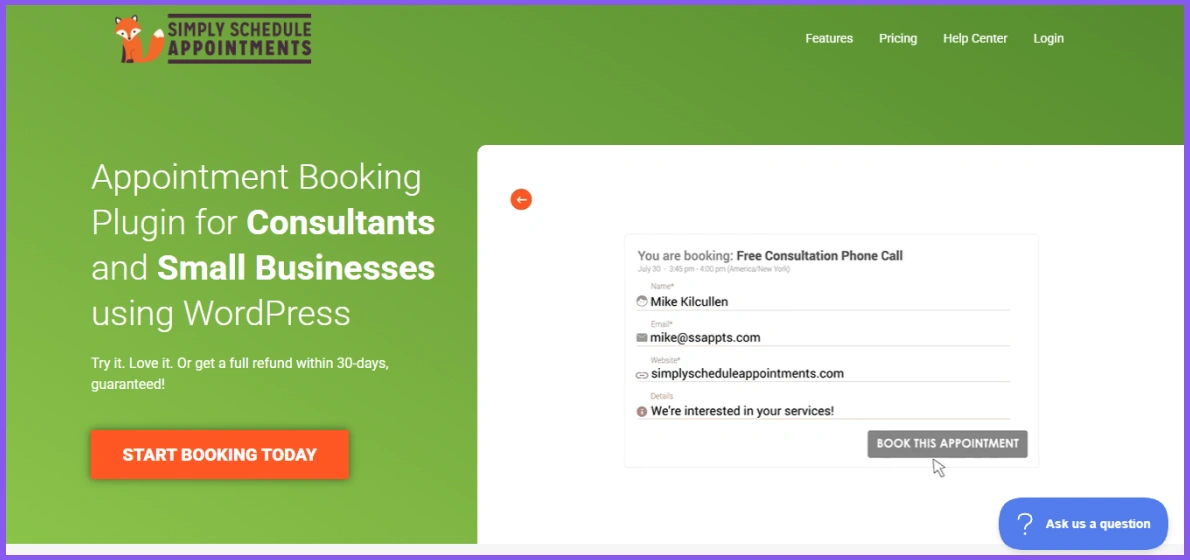
Simply Schedule Appointments is best for consultants, coaches, and other solo professionals who need unlimited one-to-one appointments. It is a suitable choice for consultants, coaches, tutors, freelancers, and other solo professionals who want to accept appointments without managing multiple employees.
The setup wizard guides you through creating your first appointment type. You can set the duration, availability, booking notice, daily limits, buffer time, and blackout dates. You can then display the WordPress booking calendar plugin using a block, shortcode, or page builder module.
Key free features of Simply Schedule Appointments
- Unlimited appointment types
- Unlimited appointments
- Custom schedules and availability
- Minimum booking notice
- Daily appointment limits
- Buffer time between bookings
- Blackout dates
- Automatic conflict prevention
- Customizable email notifications
- Booking form colors and fonts
- Customer timezone detection
- Gutenberg shortcode and block support
- Elementor, Divi, and Beaver Builder integration
- Accessible and mobile-friendly booking forms
The free Basic Edition does not limit how many appointment types or bookings you can create. This makes it a practical WordPress scheduling plugin for professionals who offer several one-to-one services with different durations.
Limitations of Simply Schedule Appointments Free
Google Calendar sync, Stripe and PayPal payments, group booking, team scheduling, Zoom, Google Meet, SMS notifications, and resource booking require a paid edition.
This means the free version is less suitable if several employees need separate schedules or if you want customers to pay while booking. It also cannot check your personal Google Calendar for external conflicts without an upgrade.
Pros
- Quick guided setup
- Unlimited appointment types and bookings
- Flexible availability and buffer settings
- Works with popular WordPress page builders
- Accessible booking form
- Suitable for phone calls, consultations, and lessons
Cons
- No online payments in the free version
- Google Calendar sync requires a paid plan
- Team and group bookings are unavailable for free
- Virtual meeting integrations require an upgrade
Verdict: Simply Schedule Appointments is best for solo professionals who need simple, unlimited one-to-one scheduling.
4. Bookly – Best Established Booking Plugin
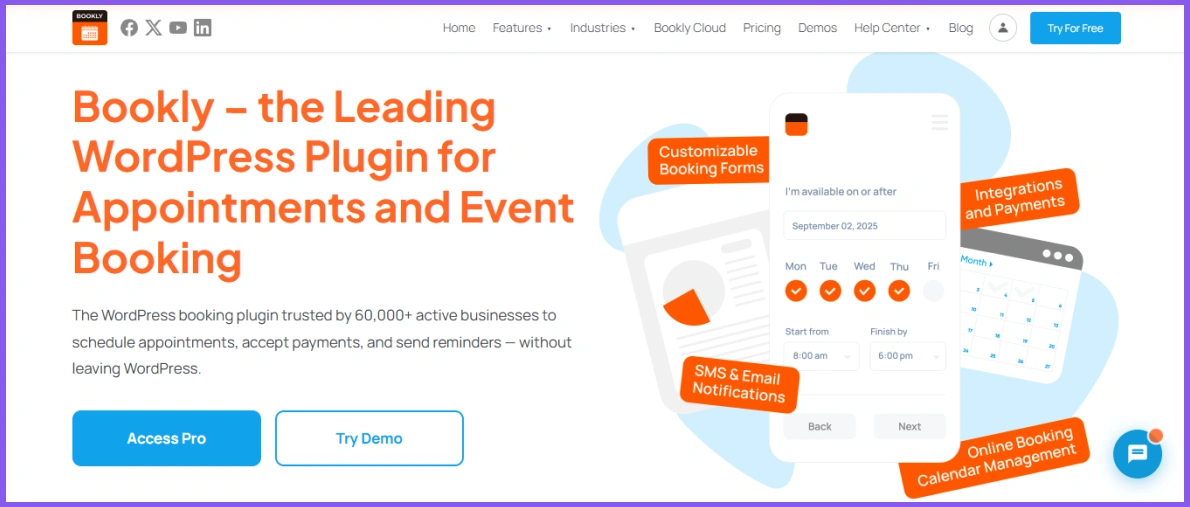
Bookly is best for a small business that wants an established booking plugin and only needs one staff member and up to five services. It serves salons, clinics, tutors, consultants, fitness professionals, and other businesses that accept scheduled appointments.
Customers can choose a service, select an available time, enter their contact details, and confirm the booking through a responsive form. Bookings then appear in the WordPress admin calendar, where you can manage appointments and customer information.
Key free features of Bookly
- Responsive step-by-step booking form
- Up to five services
- One staff member
- Custom service prices and durations
- Staff working hours and availability
- Admin appointment calendar
- Customer list and booking history
- Email booking notifications
- Customer timezone support
- Customizable booking form appearance
- Appointment status management
- Basic reporting and analytics
The free version provides the main features needed to create a basic WordPress booking system. Its long history and large user base may also appeal to businesses that prefer a well-established plugin.
Limitations of Bookly Free
Bookly Free supports only one staff member and up to five services. You need Bookly Pro to remove these limits and install any of its optional add-ons.
Online payments, Google Calendar sync, recurring appointments, group bookings, deposits, custom fields, WooCommerce integration, and several notification options also require Pro or separate paid add-ons. This structure can increase the total cost if your business needs several advanced features.
Pros
- Established plugin with a large user base
- Mobile-friendly booking form
- Simple appointment and customer management
- Flexible service durations and staff availability
- Large selection of paid extensions for future needs
Cons
- Limited to one staff member and five services for free
- No online payments in the free version
- Google Calendar connection requires an upgrade
- Add-ons cannot be installed without Bookly Pro
Verdict: Bookly is best for a one-person business that wants a basic booking system from an established plugin.
5. BookingPress – Best for a Simple Setup Process
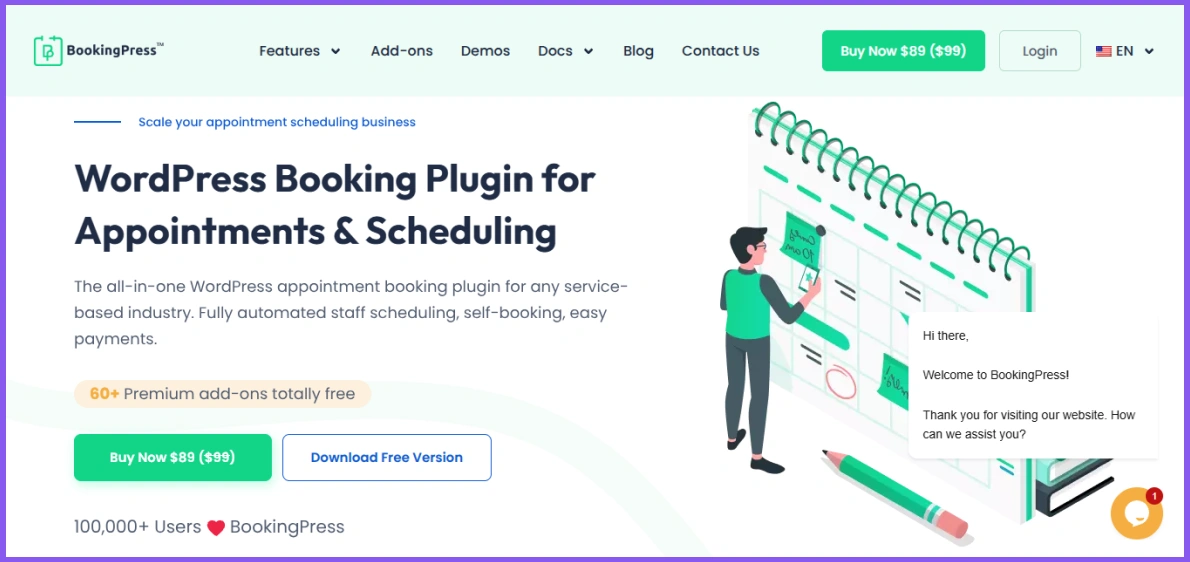
BookingPress is best for beginners and solo providers who need unlimited appointments and PayPal payments without a paid license. Its guided setup and step-by-step booking form make it suitable for beginners who want to accept appointments without coding.
You can create unlimited services, set prices and durations, manage availability, and accept unlimited bookings. Customers can select a service and time slot, enter their details, and pay through PayPal or choose an on-site payment method.
Key free features of BookingPress
- Unlimited services and appointments
- Step-by-step booking wizard
- Custom service prices and durations
- Working hours, breaks, and holidays
- Admin booking calendar
- Manual appointment creation
- PayPal and on-site payments
- Automated email notifications
- Customizable booking form
- Gutenberg and Elementor support
- Basic spam protection
- Appointment and payment management
The free WordPress booking plugin with payment support allows you to collect PayPal payments during the booking process. You can also customize the form layout and add it to a page using Gutenberg or Elementor.
Limitations of BookingPress Free
Multiple staff members, Google Calendar sync, Stripe, WooCommerce payments, customer accounts, recurring appointments, group bookings, multiple locations, and service extras require BookingPress Premium and its add-ons.
BookingPress was removed from the WordPress.org plugin directory in February 2025. Although the developer still offers a free version through its official website, you must download and update it outside the WordPress.org directory. This may matter if you prefer installing and updating plugins directly from the WordPress dashboard.
Pros
- Simple setup for beginners
- Unlimited services and appointments
- Free PayPal payment support
- Customizable booking form
- Clear appointment and payment management
Cons
- Staff management requires Premium
- No free Google Calendar synchronization
- Stripe and WooCommerce payments require an upgrade
- Not currently available through WordPress.org
Verdict: BookingPress is best for solo providers who need unlimited bookings and PayPal payments.
6. FluentBooking – Best for Online Meetings and Calendly-Style Scheduling
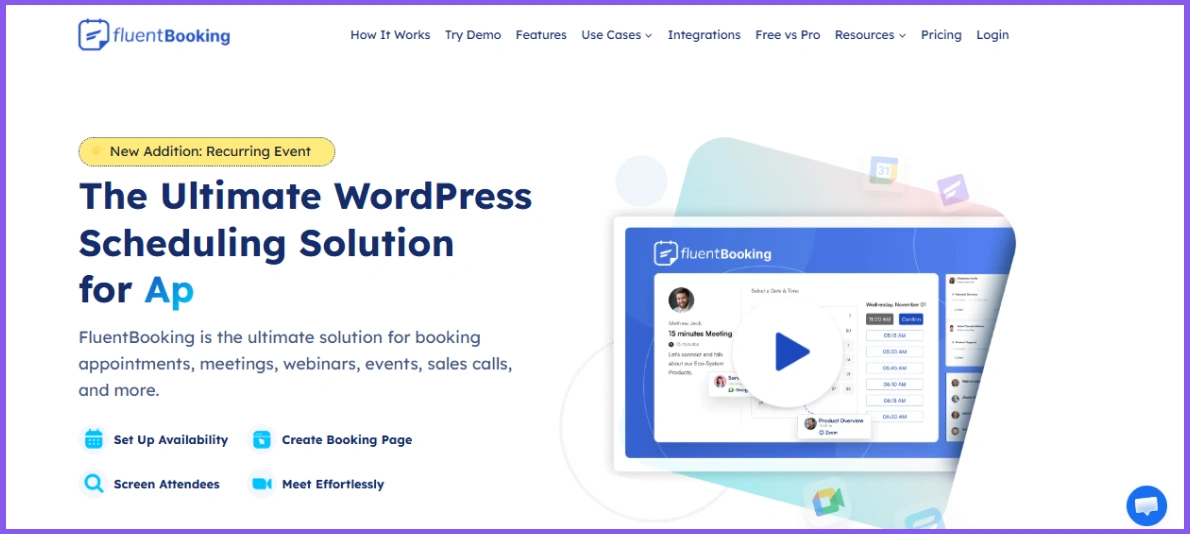
FluentBooking is best for individual professionals who want to schedule one-to-one calls or consultations through WordPress. It lets you create booking calendars on your own website instead of sending customers to an external scheduling platform.
The free version works best for one-to-one meetings. You can set your weekly availability, choose meeting durations, add buffer time, and collect attendee details through custom booking questions.
Key free features of FluentBooking
- One-to-one appointment scheduling
- Weekly availability settings
- Date-specific availability overrides
- Multiple meeting durations
- Buffer time before and after appointments
- Booking frequency and duration limits
- Custom booking questions
- Automatic timezone conversion
- In-person, phone, online, and custom meeting locations
- Email confirmations and booking updates
- Attendee cancellation and rescheduling
- Gutenberg blocks and shortcodes
- Booking dashboard and reports
- Fluent Forms and FluentCRM connections
FluentBooking sends automatic emails when an appointment is booked, cancelled, or rescheduled. You can also display the calendar through a dedicated landing page, WordPress block, or shortcode.
Limitations of FluentBooking Free
Group meetings, round-robin team scheduling, and one-off events require FluentBooking Pro. The free version is therefore more suitable for individual hosts than teams that need to distribute bookings among several members.
Google Calendar, Outlook Calendar, Apple Calendar, and Nextcloud Calendar connections also require Pro. The same applies to Google Meet, Zoom, Microsoft Teams, Stripe, PayPal, WooCommerce, SMS, WhatsApp, and webhook integrations.
Pros
- Suitable for online consultations and sales calls
- Flexible availability and buffer settings
- Supports custom booking questions
- Sends automatic email notifications
- Integrates with Fluent Forms and FluentCRM
- Keeps booking data inside WordPress
Cons
- Calendar synchronization requires Pro
- No free video meeting integration
- Payments are unavailable in the free version
- Group and round-robin meetings require an upgrade
Verdict: FluentBooking is Best for individual professionals scheduling one-to-one calls through WordPress.
7. MotoPress Appointment Booking – Best for Multiple Staff, Services, and Locations
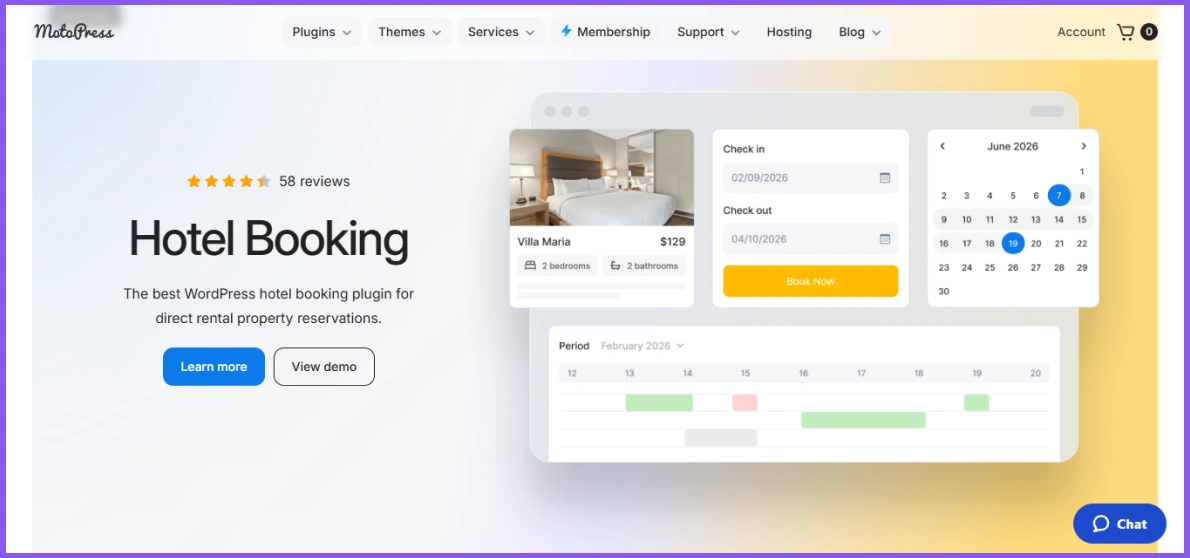
MotoPress Appointment Booking Lite is best for businesses that need unlimited employees, services, and locations without online payment collection. It can support salons, clinics, tutoring centers, fitness studios, rental services, and other appointment-based businesses.
Unlike many free alternatives, it does not limit the number of employees, services, or locations you can add. Each employee can have an individual schedule with assigned services, locations, breaks, days off, and service-specific pricing.
Key free features of MotoPress Appointment Booking
- Unlimited employees, services, and locations
- Individual employee schedules
- Breaks, holidays, and days off
- Custom service prices and durations
- Buffer time between appointments
- One-to-one and group bookings
- Multiple services within one booking
- Minimum and maximum service capacity
- Automatic booking approval or manual confirmation
- Customer cancellation and admin rescheduling
- Automated email confirmations and reminders
- Pay-on-site payment option
- Admin booking calendar
- Gutenberg, Elementor, and Divi support
- Booking data export to CSV
Customers can book one or several services through its responsive scheduling form. The free version also supports group capacity, allowing several customers to reserve the same time slot for a class, workshop, or shared session.
This makes MotoPress a useful free WordPress booking plugin for multiple staff members and locations. Its email system can send confirmations, cancellations, reminders, and other messages before or after an appointment.
Limitations of MotoPress Appointment Booking Lite
The free version accepts payments on arrival but does not include an online payment gateway. Stripe, PayPal, direct bank transfer, and other online payment methods require the Pro version.
Employee Google Calendar sync also requires Pro. WooCommerce payments, SMS notifications, video conferencing, Square payments, and several other connections require separate paid extensions.
Do not confuse this plugin with MotoPress Hotel Booking. Appointment Booking manages hourly services, classes, and scheduled sessions, while Hotel Booking focuses on accommodation and property reservations.
Pros
- Supports unlimited employees, services, and locations
- Includes individual staff schedules
- Supports individual and group appointments
- Sends automated email reminders
- Allows customers to book multiple services together
- Works with major WordPress page builders
Cons
- No online payment gateway in the free version
- Google Calendar sync requires Pro
- Video meeting connections require a paid extension
- Initial setup may take longer for businesses with many employees and locations
Verdict: MotoPress Appointment Booking Lite is best for businesses managing multiple employees, services, or locations without free online payments.
8. Salon Booking System – Best for Salons and Beauty Businesses
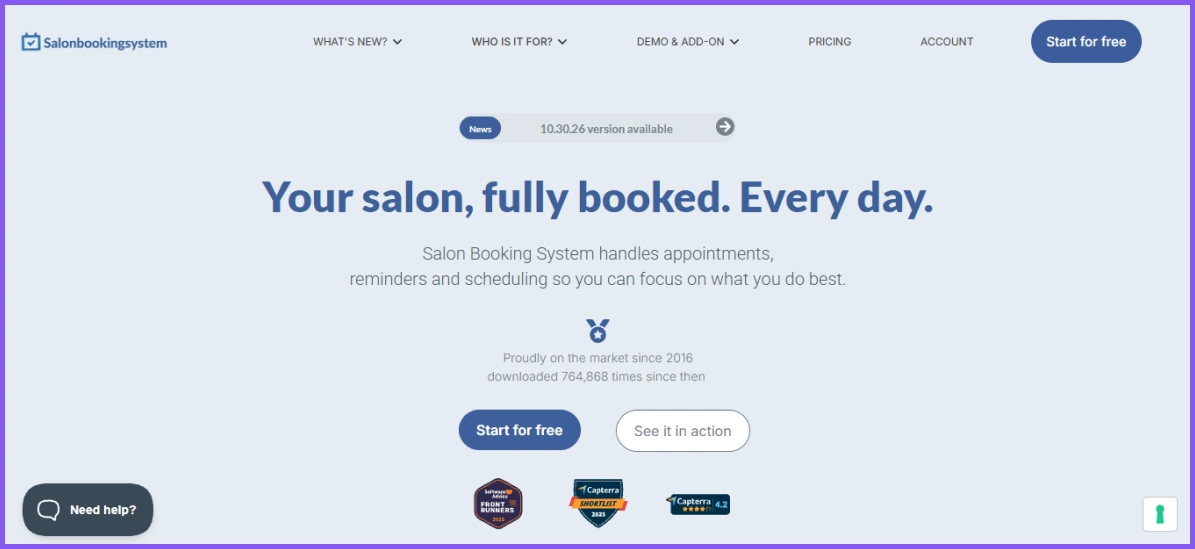
Salon Booking System is best for salons, spas, barbershops, and beauty businesses that need assistant schedules, reminders, and Google Calendar sync. Although it mainly targets hair salons, barbershops, spas, and beauty centers, therapists, tutors, clinics, and workshops can also use it.
You can create services with separate prices, durations, breaks, and availability rules. You can also add assistants, assign services to them, and manage their individual working hours and holidays.
You can also compare dedicated online booking systems for salons and spas before choosing a general appointment plugin.
Key free features of Salon Booking System
- Custom services, prices, and durations
- Service categories and direct booking links
- Multiple assistant schedules
- Weekly schedules, holidays, and booking breaks
- Monthly, weekly, daily, and assistant calendar views
- Manual or automatic booking confirmation
- Customer cancellation and rescheduling
- Email confirmations, reminders, and follow-ups
- Partial Two-way Google Calendar sync
- Custom checkout fields
- Guest checkout
- Customer account page and booking history
- Coupon codes and discount rules
- Booking and revenue reports
- CSV data import and booking export
- Custom booking form colors
The two-way Google Calendar connection can add salon reservations to the administrator’s calendar. Changes made through Google Calendar can also update the booking schedule.
Customers can select a service and assistant, choose an available time, and manage their appointments from a customer account. These features make it a useful WordPress calendar booking plugin for businesses that need separate staff schedules.
Limitations of Salon Booking System Free
The free version does not support online payments. Stripe, PayPal, deposits, tips, taxes, and transaction fees require the Pro edition.
Multiple branches require a separate Multi-Shops add-on. WooCommerce checkout, service packages, advanced resources, assistant access controls, and the staff mobile web app also require Pro or paid extensions.
Its salon-focused settings and terminology may feel less suitable for consultants, sales teams, or professionals who mainly arrange online meetings.
Pros
- Designed around salon and spa booking workflows
- Supports separate services and assistant schedules
- Includes free two-way Google Calendar sync
- Sends email reminders and follow-up messages
- Allows customer cancellation and rescheduling
- Includes discounts and booking reports
Cons
- No online payments in the free version
- Multiple branches require a paid add-on
- Advanced resource management requires Pro
- Less suitable for online meeting workflows
Verdict: Salon Booking System is best for beauty businesses needing assistant schedules, reminders, and calendar sync.
How We Selected the Best Free WordPress Booking Plugins
The plugin should let you create a working booking system without requiring an immediate upgrade. We checked limits on appointments, services, staff members, and booking calendars.
We compared only features available without purchasing a license, premium plan, or paid extension.
Appointment booking experience
Customers should be able to select a service, choose an available time, enter their details, and confirm the appointment without confusion. We also considered how well the form works on mobile devices.
Staff and service management
We reviewed whether the free version supports multiple services, employee schedules, working hours, breaks, buffer times, and days off.
Payments and calendar connections
We checked whether users can collect payments and connect external calendars in the free version. We also separated one-way calendar updates from two-way sync, which can help prevent scheduling conflicts.
Customer and admin features
Useful features include email notifications, booking approval, cancellation, rescheduling, and customer management. These options can reduce manual work for both the business and its customers.
Free-plan limitations
We clearly considered which important features require a paid plan. These may include multiple locations, group appointments, recurring bookings, advanced integrations, or extra payment methods.
We checked official plugin pages and documentation to compare free features, limits, integrations, and suitable business types. Active installations or review counts did not determine the ranking by themselves. Since every business has different requirements, the final ranking balances free features, ease of use, and suitable business types.
Which Free WordPress Booking Plugin Should You Choose?
Booktics provides the broadest general-purpose free feature set in this comparison. Amelia Lite works better when you need basic event booking, Simply Schedule Appointments suits solo professionals, FluentBooking focuses on one-to-one meetings, MotoPress supports multiple employees and locations, and Salon Booking System serves beauty businesses.
| If you need… | Recommended plugin |
| The strongest overall free feature set | Booktics |
| Appointments and basic events | Amelia Lite |
| A simple solo booking calendar | Simply Schedule Appointments |
| An established plugin with many upgrades | Bookly |
| A beginner-friendly setup | BookingPress |
| Online meetings and calls | FluentBooking |
| Multiple staff, services, and locations | MotoPress Appointment Booking |
| Salon-specific appointment management | Salon Booking System |
Before choosing an online booking plugin for WordPress, list the features you must have in the free version. Also check whether your preferred payment method, calendar connection, and staff setup work without a paid upgrade.
What Should You Look for in a Free WordPress Booking Plugin?
The best option should support your current booking process without requiring an immediate upgrade. Before installing a plugin, you should compare your required features, free-plan limits, and future costs before you choose a WordPress booking plugin.
Practical booking limits
Check the limits on services, appointments, staff members, locations, and booking calendars before choosing a plugin. A plugin with unlimited appointments may still restrict you to one employee or a small number of services.
You should also add buffer time between appointments when services require preparation, cleanup, or travel.
Staff availability management
A free WordPress booking plugin for multiple staff lets you create separate schedules for each employee. Look for working hours, breaks, holidays, assigned services, and buffer time between appointments. Correct availability settings help prevent conflicts and make it easier to manage appointment booking in WordPress.
Calendar synchronization
A free WordPress booking plugin with Google Calendar helps prevent scheduling conflicts. However, check the type of connection:
- One-way sync only sends appointments to Google Calendar.
- Two-way sync also reads external events and blocks those times on your booking form.
Online and offline payments
Choose a plugin that supports your required payment method in its free version, whether that is Stripe, Square, PayPal, or payment on arrival. Some plugins support Stripe, Square, or PayPal, while others only allow payment on arrival.
A free WordPress booking plugin with Stripe may suit consultants, coaches, and other businesses that want to collect card payments in advance.
Email confirmations and reminders
A confirmation is sent after booking, while a reminder is scheduled before the appointment. These are separate features, so check whether both are included for free. Automated reminders and customer self-service are two practical ways a booking system can reduce no-shows
Cancellation and rescheduling
Customer self-service lets customers change or cancel appointments without contacting the business. This can reduce manual messages and keep your schedule updated.
Mobile-friendly booking forms
Customers should be able to select a service, date, time, and payment method from a phone without difficulty. Test the full form on different screen sizes before publishing it.
Future upgrade cost
Review the paid plans even if you plan to start for free. You may later need recurring appointments, group bookings, deposits, custom fields, several locations, SMS reminders, or advanced reports. Compare the complete future cost before choosing a WordPress booking plugin with calendar sync, payments, and staff management.
When Is a Free Booking Plugin Not Enough?
A free booking plugin may not be enough when you need group appointments, recurring bookings, multiple locations, deposits, advanced staff permissions, paid extras, or several calendar and payment integrations.
Free versions usually work well for solo professionals and small businesses with a simple appointment process. However, you may need a paid plan as your team, services, or booking requirements grow.
Common reasons to upgrade include:
- Group classes or appointments
- Recurring appointments
- Multiple business locations
- Custom intake or booking fields
- Paid service extras
- Deposits and partial payments
- Advanced email automation
- Outlook Calendar synchronization
- Separate staff dashboards and permissions
- Detailed booking and revenue reports
- SMS or WhatsApp reminders
- WooCommerce payment integration
For example, a consultant may only need one calendar, basic email notifications, and a simple booking form. A clinic with several employees may need separate staff schedules, recurring visits, custom patient questions, payment collection, and multiple calendar connections.
Before upgrading, identify the exact feature missing from your current WordPress appointment scheduling plugin. Then compare the full plan cost, included integrations, renewal price, and any separate add-on fees.
You do not need to pay only because a premium plan offers more features. Upgrade when a specific free-version limit prevents you from managing bookings properly or creates extra manual work.
FAQs About Free WordPress Booking Plugins
Which Free WordPress Booking Plugins Accept Online Payments?
Based on the free plans compared here, Booktics supports Stripe, Amelia Lite supports Square, and BookingPress supports PayPal. MotoPress allows payment on arrival, while Bookly, Simply Schedule Appointments, FluentBooking, and Salon Booking System require paid options for online payment collection.
Which Free Booking Plugins Include Google Calendar Sync?
Booktics and Salon Booking System include two-way Google Calendar sync in their free versions. The other plugins in this comparison require a paid plan or extension for external calendar synchronization.
Do I need WooCommerce to use a WordPress booking plugin?
No. Most booking plugins can manage services, schedules, appointments, and customer details without WooCommerce. You may need WooCommerce if you want to use its checkout, payment gateways, taxes, or order system. Check the plugin’s free-version integrations before installing WooCommerce for this purpose.
Will a booking plugin work with any WordPress theme?
Most booking plugins should work with any properly coded WordPress theme. However, the form’s colors, fonts, spacing, or buttons may look different depending on the theme’s styles. Test the booking page on a staging site and check its layout on desktop and mobile before publishing it.
Can a WordPress booking plugin slow down my website?
A booking plugin can affect page speed because it adds scripts, styles, database queries, and calendar functions. The effect depends on the plugin, hosting setup, and number of integrations. Test the booking page with a performance tool and avoid loading booking assets on pages where they are not needed.
Where does a WordPress booking plugin store customer data?
Most plugins store customer and appointment details in your WordPress database. Some external calendar, payment, email, or meeting integrations may also process related information. Review the plugin’s privacy documentation and data export or deletion options before collecting names, email addresses, phone numbers, or other personal details.
Can I switch to another booking plugin later?
Yes, but moving existing appointments may require manual work. Booking plugins often use different database structures, and direct migration tools are not always available. Check whether your current plugin can export bookings and customers to CSV. Test the new system before removing the previous plugin or changing your live booking form.
Can I manage WordPress appointments from a phone?
You can usually manage appointments through the mobile version of the WordPress dashboard. However, the experience differs between plugins. Some provide a responsive admin area or separate staff panel, while others work better on desktop. Check whether your team can view, approve, edit, and cancel bookings comfortably from a phone.
Can I use a free booking plugin on WordPress Multisite?
Multisite support depends on the plugin. Some plugins can be activated separately on each website, while network-wide activation may cause licensing, database, or settings issues. Check the official documentation before installation. You should also confirm whether each site can maintain separate services, staff members, notifications, and booking records.
What happens to my appointments if the plugin is discontinued?
Existing data may remain in your WordPress database, but updates, security fixes, and compatibility support could stop. Choose an actively maintained plugin and create regular backups. It also helps to export customer and booking records periodically, especially when your business depends on the plugin for daily appointment management.
Final Thoughts: Which Free WordPress Booking Plugin Is Best?
No free WordPress booking plugin fits every business. Booktics offers the broadest general-purpose free feature set in this comparison, while Amelia Lite supports basic events, Simply Schedule Appointments suits solo professionals, MotoPress manages multiple employees and locations, and Salon Booking System focuses on beauty businesses.
Before installing a plugin, confirm its current free limits and test the full booking process on a staging website. Check availability, payments, emails, calendar updates, cancellation, rescheduling, and mobile usability before publishing the form.