WordPress Appointment Scheduler vs Calendly: Which Is Better? (2026 Comparison)
 Editor
43 minutes read
Editor
43 minutes read 
Online scheduling tools have become essential for consultants, coaches, agencies, and service businesses. Platforms like Calendly made it easy to automate meeting scheduling and eliminate the back-and-forth of email coordination.
However, as businesses grow, many users begin asking a different question:
Should you rely on a SaaS schedulers, or run appointment scheduling directly on your own website?
This is where WordPress appointment scheduling tools like WPTimetics enter the discussion.
Choosing between a WordPress appointment scheduler and Calendly depends on your booking needs. Calendly suits freelancers and small teams needing quick scheduling links. WordPress plugins like WPTimetics offer full booking systems with service management, customization, integrations, and better long-term cost control for growing businesses.
TL;DR (Expanded):
- Choose Calendly if you need:
- Quick, no-setup scheduling
- Simple booking links for calls and meetings
- A lightweight solution for freelancers or small teams
- Choose a WordPress appointment scheduler (e.g., WPTimetics) if you need:
- Full booking system on your website
- Service, staff, and availability management
- Advanced customization and integrations
- Better long-term cost control and data ownership
In short: Calendly = simplicity, WordPress = control + scalability
In this following writeup, we will deep dive and compare WordPress appointment schedulers vs Calendly to help you determine whether a SaaS tool like Calendly or alternative for WordPress is the better option for your business.
Quick Comparison between WordPress Scheduler & Calendly
| Feature | WordPress Scheduler | Calendly |
|---|---|---|
| Hosting | Self-hosted on your server | Cloud-hosted by a provider |
| Data Ownership | Fully self-hosted | Hosted externally |
| Pricing Model | Life time/annual license | Monthly/annual per seat |
| WordPress Integration | Native | Embed code or extension |
| Customization | Full control | Limited by plan |
| Payment Gateways | Stripe, PayPal, WooCommerce | Only Stripe |
| GDPR Compliance | Easier to control | Dependent on the provider |
| Calendar Sync | Google, Outlook | Google, Outlook, iCloud |
| Multi-Staff Support | Yes | Yes (paid plans) |
| Email & SMS Notifications | Yes | Yes (SMS on higher plans) |
| Pricing Model | Plugin license or one-time payment | Monthly subscription |
| Free Plan | Yes (WordPress.org) | Yes (limited) |
| Internet Dependency | WordPress hosting required | Any device, any platform |
| Branding | Fully yours | Calendly branding is free |
| Best Use Case | Service businesses and websites with bookings | Simple meeting scheduling |
What is Calendly?
Calendly is a cloud scheduling platform that helps people book meetings online. Instead of emailing back and forth, you share a booking link. Clients choose a time slot based on your availability.
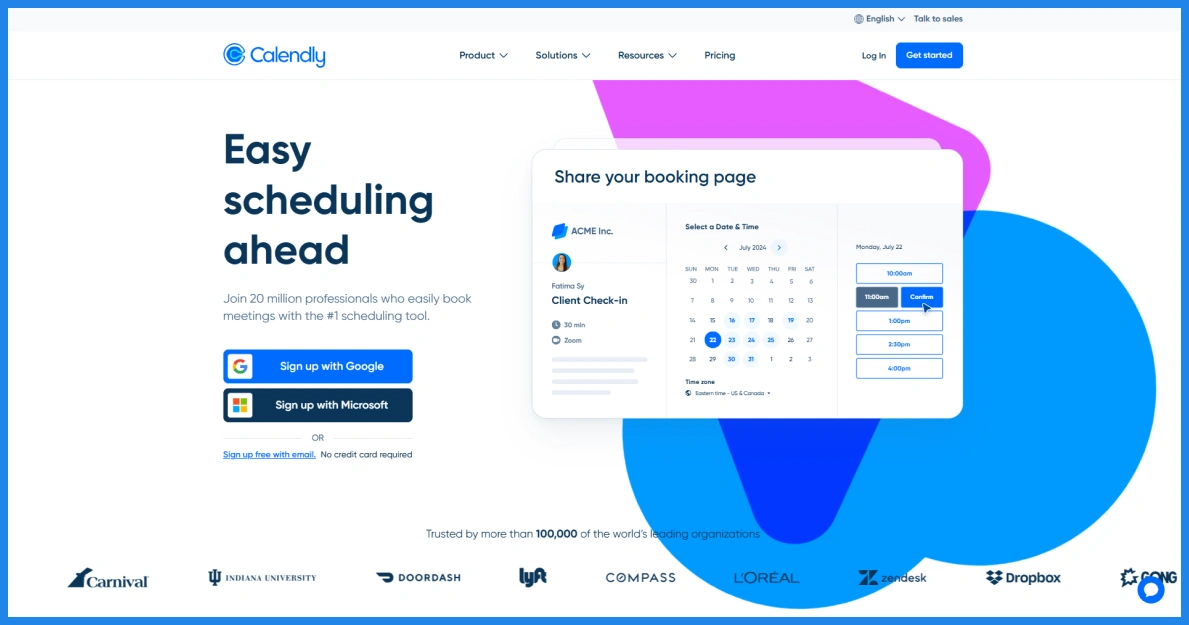
The platform connects with calendars like Google Calendar and Outlook. When someone books a meeting, Calendly sends confirmation and adds the event to your calendar automatically.
Many freelancers, consultants, and sales teams use Calendly because it is quick to set up. However, it runs on Calendly’s platform. Most users share a booking link or embed the scheduler on their website.
Because of this, some businesses prefer a Calendly alternative appointment scheduling software that allows them to run appointments directly on their own site. Now let’s have a look at Calendly’s strengths and limitations:
Pros
- Quick setup without needing a website
- Simple interface for creating meeting links
- Reliable cloud infrastructure managed by the platform
- Useful for freelancers, consultants, and sales teams
Cons
- Monthly subscription costs can increase over time
- Limited customization compared to WordPress solutions
- Booking pages often run on Calendly’s platform instead of your website
- Less flexibility for building a full online appointment booking system for WordPress

What Is WordPress Appointment Scheduler?
A WordPress appointment scheduler is a booking system that runs directly on your WordPress website. You install a scheduling plugin for WordPress, configure your services and availability, and clients can book appointments from your site.
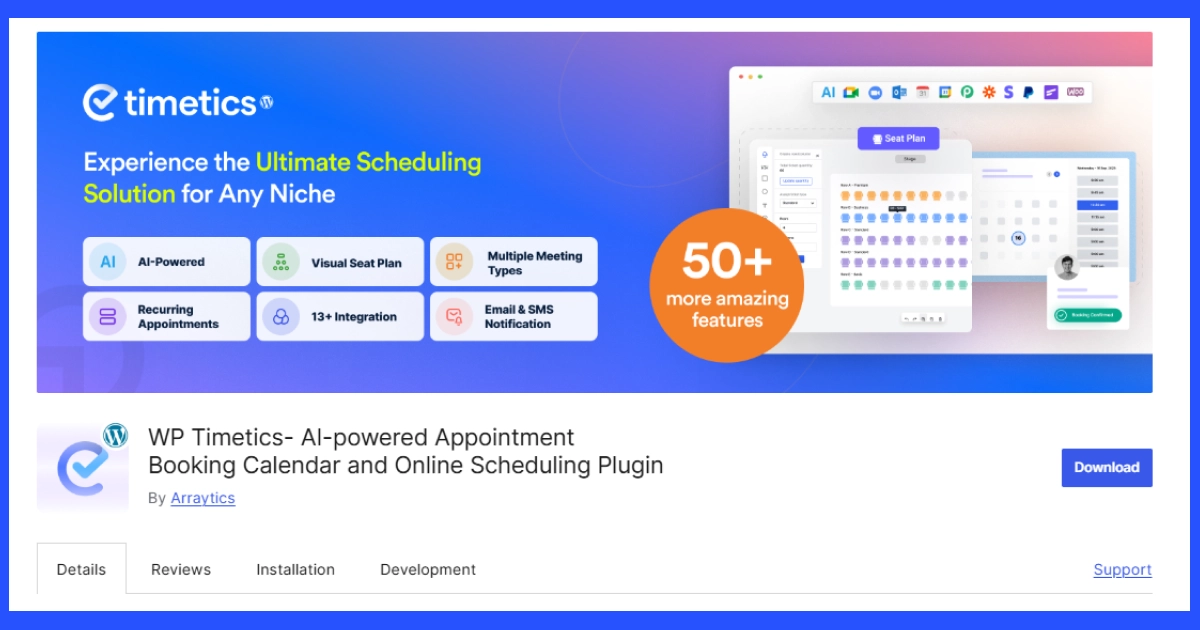
Unlike SaaS tools, this is a self-hosted appointment scheduling system. Your bookings, customer data, and scheduling workflow stay inside your website.
Most plugins allow you to create and upsell services, set time slots, manage staff schedules, and send automatic confirmations. Some tools also support payments and reminders without relying on external platforms.
Tools like WPTimetics, often considered one of the best WordPress appointment scheduling plugin options, are designed for service businesses that want to manage bookings directly from their website. Let’s look at WordPress Appointment Scheduler’s strengths and limitations:
Pros
- Runs directly on your website as a self-hosted appointment scheduling system
- Full control over booking data and customer information
- Highly customizable booking forms, services, and workflows
- Works with the WordPress ecosystem and other plugins
- Often more cost-effective over time compared to SaaS tools
Cons
- Requires a WordPress website
- Initial setup takes slightly more time than SaaS tools
- Performance depends on your hosting environment
Key Differences between Calendly vs WP Appointment Scheduler
Both tools help you manage bookings, but they work in different ways. Below, we will look at the key differences between Calendly vs WordPress booking system to help you decide which option fits your business better.
1. Setup & Ease of Use
Both Calendly and WP scheduling tools (e.g.; WP Timetics) make scheduling easier, but the setup process is different. Calendly works as a SaaS platform. You create an account, connect your calendar, and share your booking link. There is no website requirement, which makes it convenient for freelancers or individuals who want a quick scheduling tool.
WordPress appointment scheduler works directly inside your website. You install a plugin, connect your calendar, and configure your booking settings. If you already run a WordPress site, the process is simple. Modern tools like WPTimetics guide users step by step, so businesses can launch their online appointment booking system without much difficulty.
In simple terms, Calendly wins with a faster initial setup and for its simplicity, while a scheduling plugin for WordPress gives you more control once your system is configured
Summary:

Both Calendly and WordPress scheduling tools like WPTimetics simplify bookings but differ in setup and control. Calendly is a SaaS tool that requires no website—just connect your calendar and share a link, making it ideal for quick use. WordPress plugins are installed on your site and take slightly more setup but offer full customization and control.

In short, Calendly is faster to start, while WordPress solutions are more powerful long term.
2. Scheduling & Booking Features
WordPress appointment scheduler is usually designed for service-based businesses. You can create services, assign staff members, define time slots, add buffer time between appointments, and manage recurring bookings. Many plugins also allow custom availability rules and booking forms for clients.
This makes an appointment booking plugin for WordPress suitable for consultants, agencies, fitness trainers, salons, and support teams that manage different types of appointments.
Calendly focuses more on meeting scheduling. It offers event types such as one-on-one meetings, round-robin scheduling for teams, collective scheduling, and group events. These features work well for sales calls, interviews, and quick consultations.
If your goal is simple meeting scheduling, Calendly works well. If you need a full self-hosted appointment scheduling system for services, a WordPress plugin is best.
Summary:

WordPress appointment schedulers like WPTimetics are built for service-based businesses, offering features like service creation, staff assignment, custom availability, and recurring bookings. This makes them ideal for agencies, consultants, salons, and similar operations.

In contrast, Calendly focuses on meeting scheduling with options like one-on-one, round-robin, and group events. In short, Calendly suits simple meetings, while WordPress plugins support full service-based booking systems.
3. Platform and Ownership
Another key difference in the WordPress appointment scheduler vs Calendly comparison is platform ownership. WordPress appointment scheduler is a self-hosted system. Your booking data, customer information, and scheduling workflow stay on your website. You control how the system works and how your data is managed.
Calendly works as an appointment scheduling software. Your booking pages and appointment data are stored on Calendly’s servers. While the platform manages the infrastructure, you depend on its system to run your scheduling process.
For businesses that want full control over their booking system and data, self-hosted appointment scheduling through WordPress can be a more flexible option.
Summary:

A key difference between WordPress appointment schedulers and Calendly is platform ownership. WordPress solutions like WPTimetics are self-hosted, giving you full control over booking data, workflows, and customization.

Calendly stores your data on its servers and manages the infrastructure. In short, WordPress offers greater control and flexibility, while Calendly prioritizes convenience.
Start Managing Your Appointment with WPTimetics
If you run a consulting or coaching business on WordPress, WPTimetics helps you manage appointments, accept bookings, and organize your schedule directly on your website.
4. Website Integration
Website integration also works differently in a Calendly vs WordPress booking plugin setup. Calendly usually works through a booking link or an embedded widget. When someone books a meeting, the process often takes place on a Calendly-hosted page.
A WordPress appointment scheduler runs directly on your website. Visitors can book services without leaving your site. The booking experience stays within your pages, which helps maintain consistent branding.
Though this matters for branding and data ownership. But for businesses that want their booking process fully integrated into their site, a scheduling plugin for WordPress offers a more native experience.
Summary:

Website integration differs between Calendly and WordPress booking plugins like WPTimetics. Calendly typically uses external booking pages or embedded widgets, often directing users off-site. In contrast, WordPress schedulers run entirely within your website, keeping bookings on your pages for consistent branding and control. In short, WordPress offers a more native, fully integrated booking experience.
5. Customization and Flexibility
Calendly provides basic customization options such as event types, availability settings, and simple booking pages. However, bigger changes to the booking workflow or layout are limited.
WordPress scheduler plugin gives you more control over how the booking system works on your website. Since it runs inside WordPress, you can adjust layouts, booking workflows, and service settings based on your needs. For example, many booking plugins like WP Timetics allow you to:
- Create different services and appointment types
- Adjust booking forms and fields
- Set custom availability for staff members
- Control how booking pages appear on your website
Because WordPress is flexible, it can also work with themes, page builders, and other plugins. For businesses that want a flexible online appointment booking system, WordPress plugins usually provide more control.
Summary:

Calendly offers basic customization like event types, availability, and simple booking pages, but limits deeper workflow or layout changes. On the other hand, WordPress plugins such as WPTimetics provide full control over services, forms, staff availability, and booking page design. Since they integrate with themes and other plugins, WordPress solutions offer greater flexibility for tailored booking systems.
6. Pricing & Cost Over Time
Pricing works differently when comparing Calendly vs WordPress booking system. Usually SaaS products follows a subscription model. Though like any other SaaS tools Calendly also offers free plan with limited features. Paid plans start at about $10 per user/month and can go up to $16 per user/month for team features. As teams grow, the cost increases because pricing is usually charged per user each month.
A WordPress appointment scheduler usually follows a plugin license model. Most appointment booking plugins for WordPress charge a yearly or one-time fee, often starting around $79, which is around $6 monthly, depending on features. Here’s the breakdown:
| Feature | Calendly | WPTimetics |
|---|---|---|
| Pricing Model | Subscription (per user/month) | Fixed yearly / Life-time |
| Cost Calculation | $10 × 5 users × 12 months | Flat pricing |
| Total Yearly Cost | $600 / year | ~$79 / year |
| Cost Growth | Increases as team grows | Stays predictable |
| Long-Term Value | Higher recurring cost | More cost-efficient over time |
Summary:

Pricing differs between Calendly and WordPress booking plugins like WPTimetics. Calendly uses a subscription model with per-user monthly costs that increase as teams grow, while WordPress plugins typically charge a fixed yearly or one-time fee, making them more cost-effective long term.
7. Reliability & Performance
With WP appointment scheduler, performance depends on your website hosting. If your site runs on a reliable hosting provider, the booking system will work smoothly. Many businesses prefer this setup because everything runs on their own website.
Calendly runs on its own infrastructure. The platform provides a high uptime guarantee and uses cloud-based systems to maintain performance. Since it is fully managed, users do not need to worry about server configuration or hosting performance. For businesses that want a managed platform with better performance, Calendly works best. For those who prefer full control over their website, WordPress offers convenience.
Summary:

Calendly runs on managed cloud infrastructure with reliable performance and no setup required. WordPress plugins like WPTimetics depend on your hosting but give you full control. In short, Calendly offers convenience, while WordPress offers control.
When Calendly Is the Better Choice
Calendly may be a good fit in these situations:
- You do not have a WordPress website
- You need a simple shareable booking link without setup
- Your team already uses tools like Salesforce or HubSpot
- You mainly schedule meetings or sales calls
- You are a solo user who needs basic meeting scheduling
When a WordPress Appointment Scheduler Is Better
A WordPress appointment scheduler is often a better option in these situations:
- You run a service business on WordPress (clinic, salon, gym, coaching practice, or agency)
- You want full ownership of your booking data
- You want to avoid recurring per-user SaaS subscription costs
- You want the booking to match your website design and user flow
- You need a multi-staff or multi-location booking system
Why Many Businesses Move from Calendly to a WordPress Solution like WPTimetics
Many businesses start with simple meeting tools like Calendly. But as their scheduling needs grow, they often need more control and flexibility. This is why many companies are moving toward Calendly alternatives. Here are some common reasons businesses switch to tools like WPTimetics:
- Bookings happen directly on the website: Clients schedule appointments without leaving your site. This creates a smoother user experience and keeps your branding consistent.
- Full control over booking data: With self-hosted appointment scheduling, your customer information and appointment data stay on your WordPress website.
- Better support for service-based bookings: A WordPress appointment scheduler allows businesses to manage services, staff members, time slots, and availability rules.
- More customization options: A scheduling plugin for WordPress lets you customize booking forms, workflows, and layouts to match your business needs.
- Flexible integrations with WordPress tools: You can connect your booking system with WooCommerce, Stripe, email marketing tools, and other WordPress plugins.
- Long-term cost control: Compared to many SaaS tools, a WordPress booking plugin vs SaaS model can be more affordable over time since you avoid ongoing subscription fees.
Which One Should You Choose: Our Recommendation
Choosing between WordPress appointment scheduler vs Calendly depends on how your business handles bookings. If you only need a quick way to schedule meetings and share a booking link, Calendly can be a practical choice. It works well for freelancers, consultants, and small teams that mainly schedule calls.
However, if you run a business website and want a full booking system, a WordPress appointment scheduler is usually the better option. It allows you to manage services, staff availability, and appointments directly on your website.
A WordPress scheduling plugin also gives you more flexibility for customization, integrations, and long-term cost control.
For businesses looking for a Calendly alternative for WordPress, tools like WPTimetics provide a complete booking system designed specifically for WordPress websites.
Ready to Start Accepting Appointments on Your WordPress Website?
WPTimetics is an all-in-one appointment booking, meeting scheduler, and calendar booking plugin for WordPress, designed to simplify how you manage time and reservations.
Whether you’re a tutor, consultant, hiring manager, educator, business owner, or event organizer, WPTimetics makes it easy to book appointments, manage time slots, schedule meetings, and accept online bookings from a single interface.
FAQs about Calendly vs WordPress Booking System
What is the difference between a WordPress booking plugin and Calendly?
A WordPress booking plugin runs directly on your website. It creates an online appointment booking system for WordPress where visitors can book services without leaving your site. Calendly is a SaaS tool. It provides hosted booking pages that you usually share through links or embeds.
Is a WordPress appointment scheduler better than Calendly?
A WordPress appointment scheduler is often better for businesses that want bookings directly on their website and need more customization. Calendly works well for simple meeting scheduling through shareable links.
Can I replace Calendly with a WordPress plugin?
Yes. Many appointment booking plugins for WordPress offer features similar to Calendly. They allow businesses to run a self-hosted appointment scheduling system directly on their website.
What is the best free appointment scheduling plugin for WordPress?
WPTimetics is the best free appointment scheduling plugin for WordPress. It offers features such as service-based bookings, calendar integrations, and automated reminders. It can be expanded with additional functionality if needed.
Does WPtimetics work as a Calendly alternative?
Yes. WPtimetics can work as a Calendly alternative for WordPress. Instead of using external booking pages, it allows businesses to create a self-hosted appointment scheduling system directly inside their website. Visitors can book appointments without leaving the site, which helps maintain a consistent user experience.
Can I accept payments with a WordPress appointment scheduler?
Yes. Many appointment booking plugins for WordPress allow businesses to accept payments during the booking process. For example, WPtimetics supports payment integrations so businesses can charge for services, consultations, or appointments.