Easily organize your services by creating categories in Booktics. Categories help users filter and group services in a meaningful way.
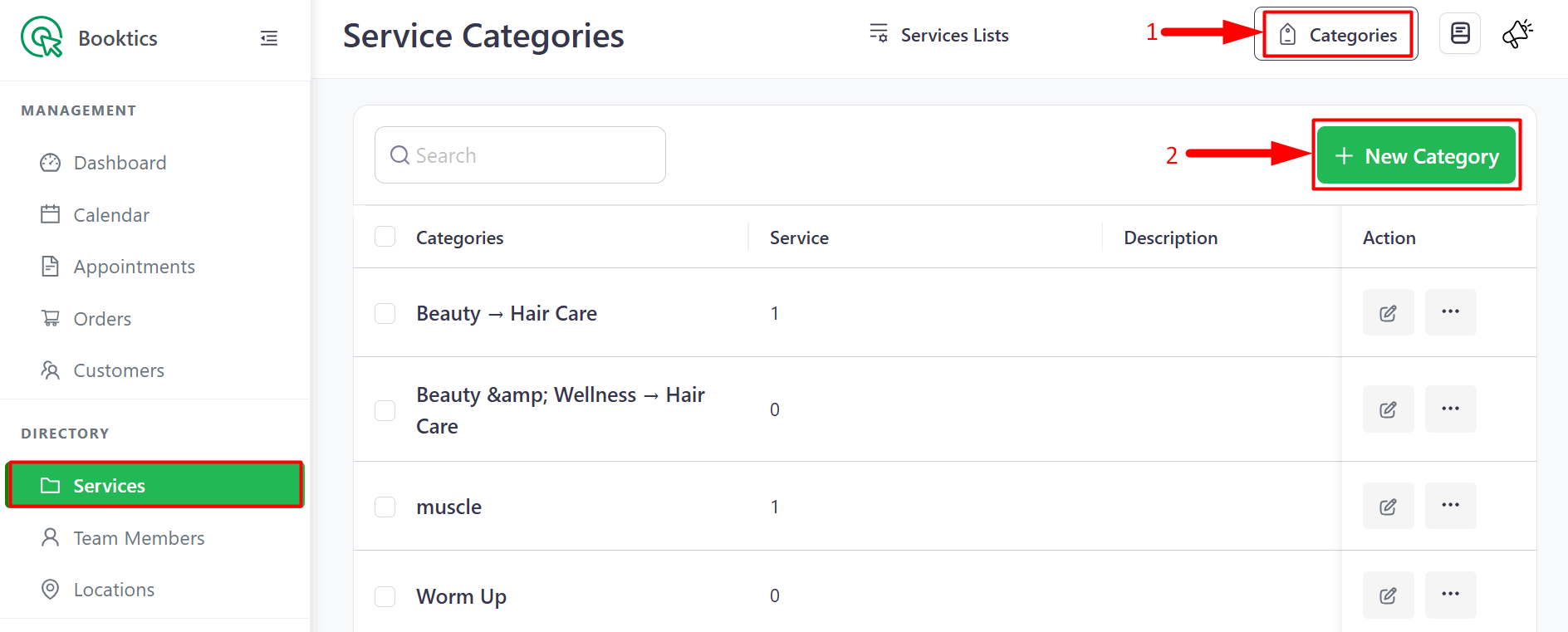
Navigate to Booktics > Services from the top-right corner menu, then click on the Categories button.
You will see a list of all categories along with the ‘Add New Category’ button. To add a new category, click on the ‘New Category’ button.
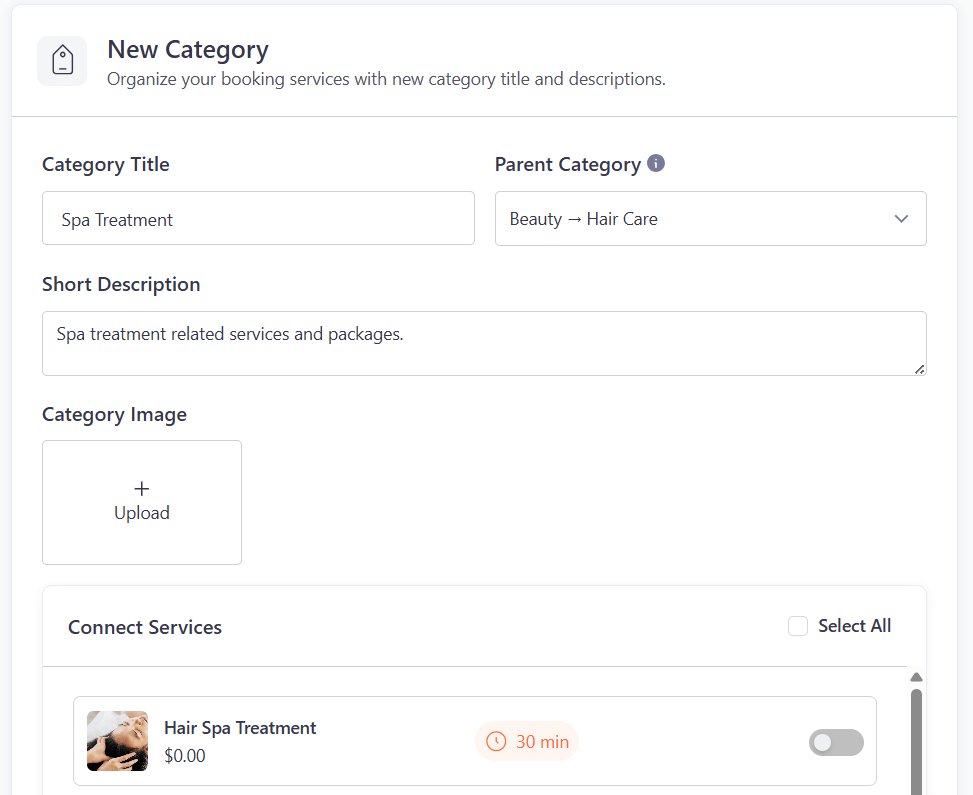
A form will open where you can add the necessary information for creating a new service category.
- New Category: Organize your booking services with a new category title and descriptions.
- Category Title: Enter the name of your new category.
- Parent Category: Optional — Select a parent category if this is a sub-category.
- Short Description: Add a brief description about the category.
- Connect Services: Choose which services to assign under this category. You can also click “Select All” to select all available services.
Once all the fields are filled, click the Save button.
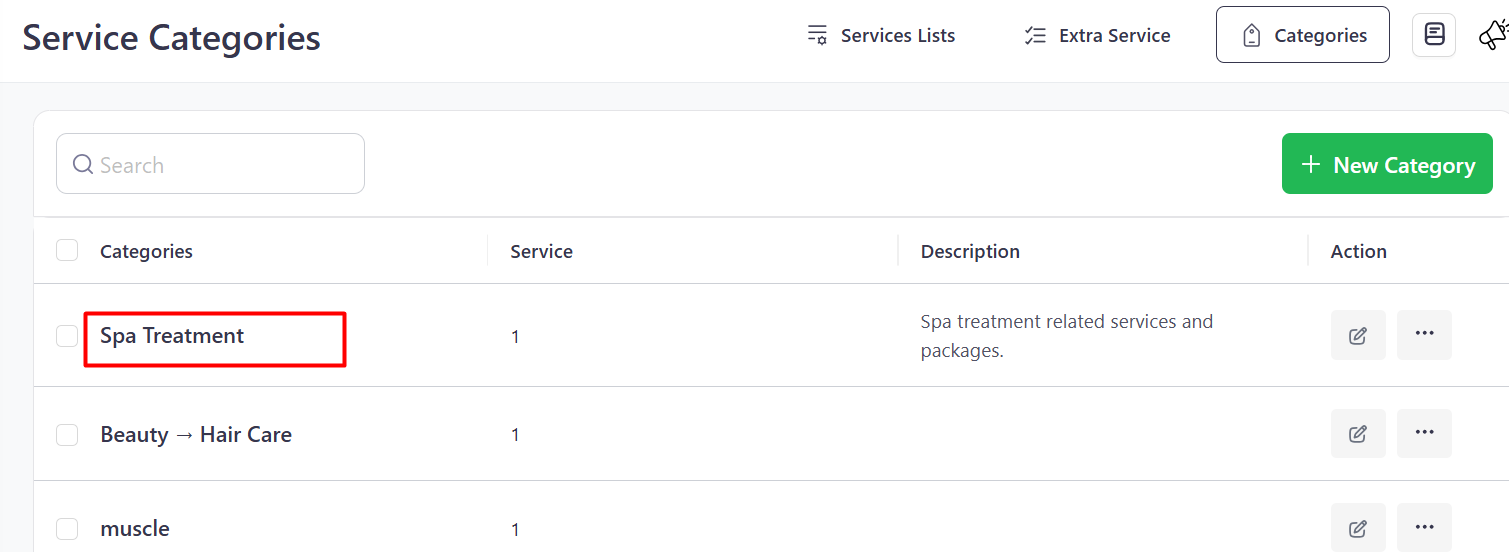
After saving, the new category will appear in the Category List