
You can configure rescheduling automation using the same process as appointment scheduling. Simply follow these steps:
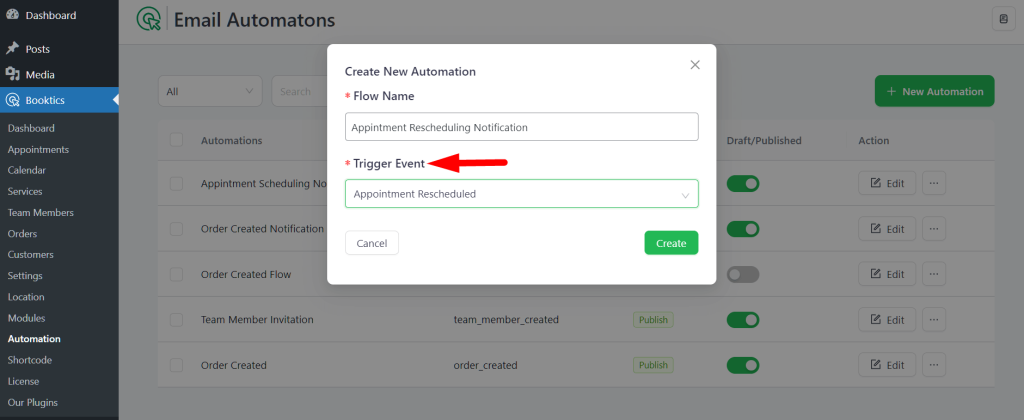
- When creating the automation, select “Appointment Rescheduled” as the trigger instead of “Appointment Scheduled”.
- Click the Create button to initiate the flow.
After that, follow the same steps as shown in the appointment scheduling automation documentation to complete the setup.